Description
[MacOS & Windows]
THE COPYIST FONTS FOR DORICO, FINALE V27, & MUSESCORE V4.6 FEATURE 1 MUSIC SMUFL COMPLIANT MUSIC FONT AND 11 JAZZY TEXT FONTS.
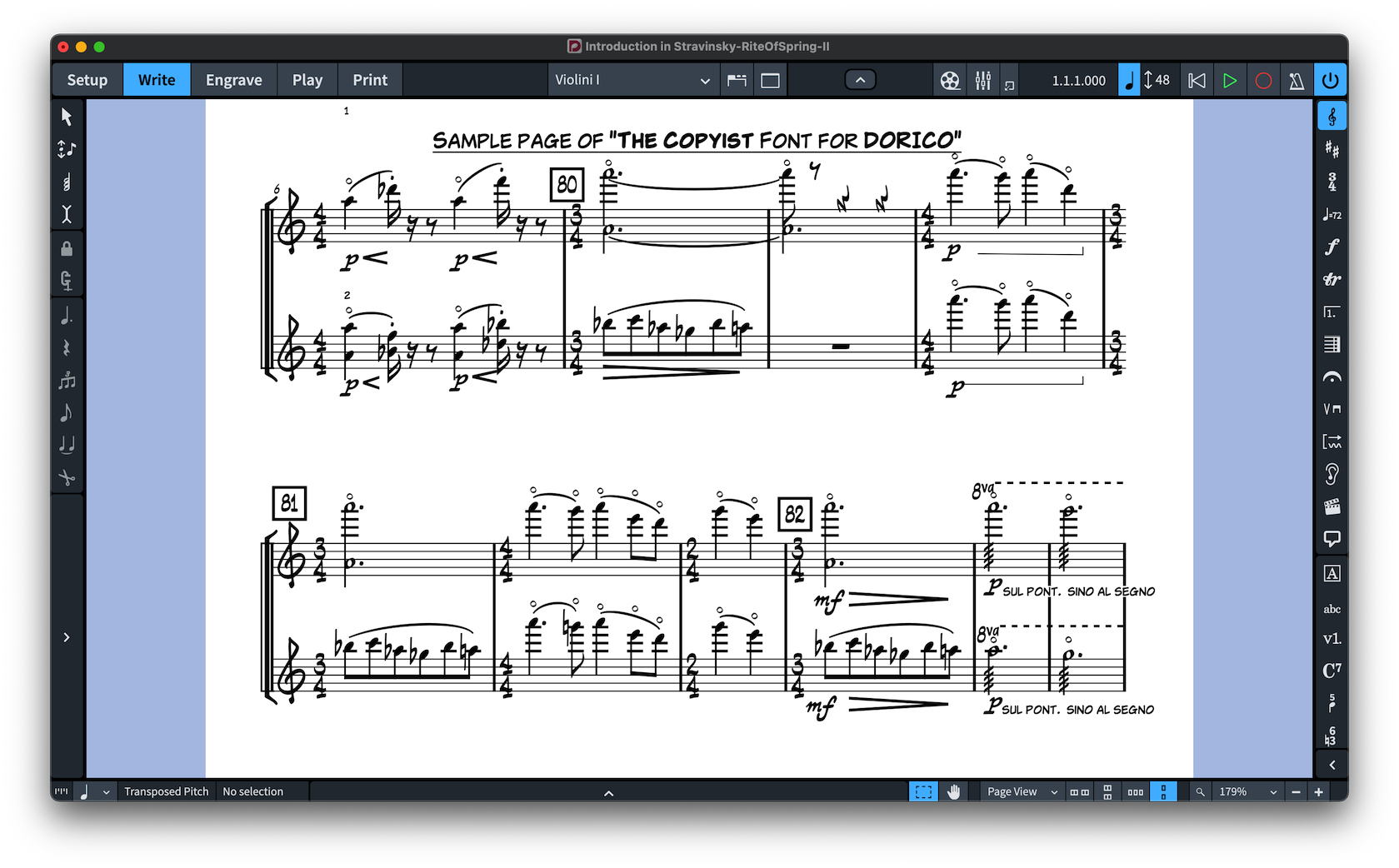
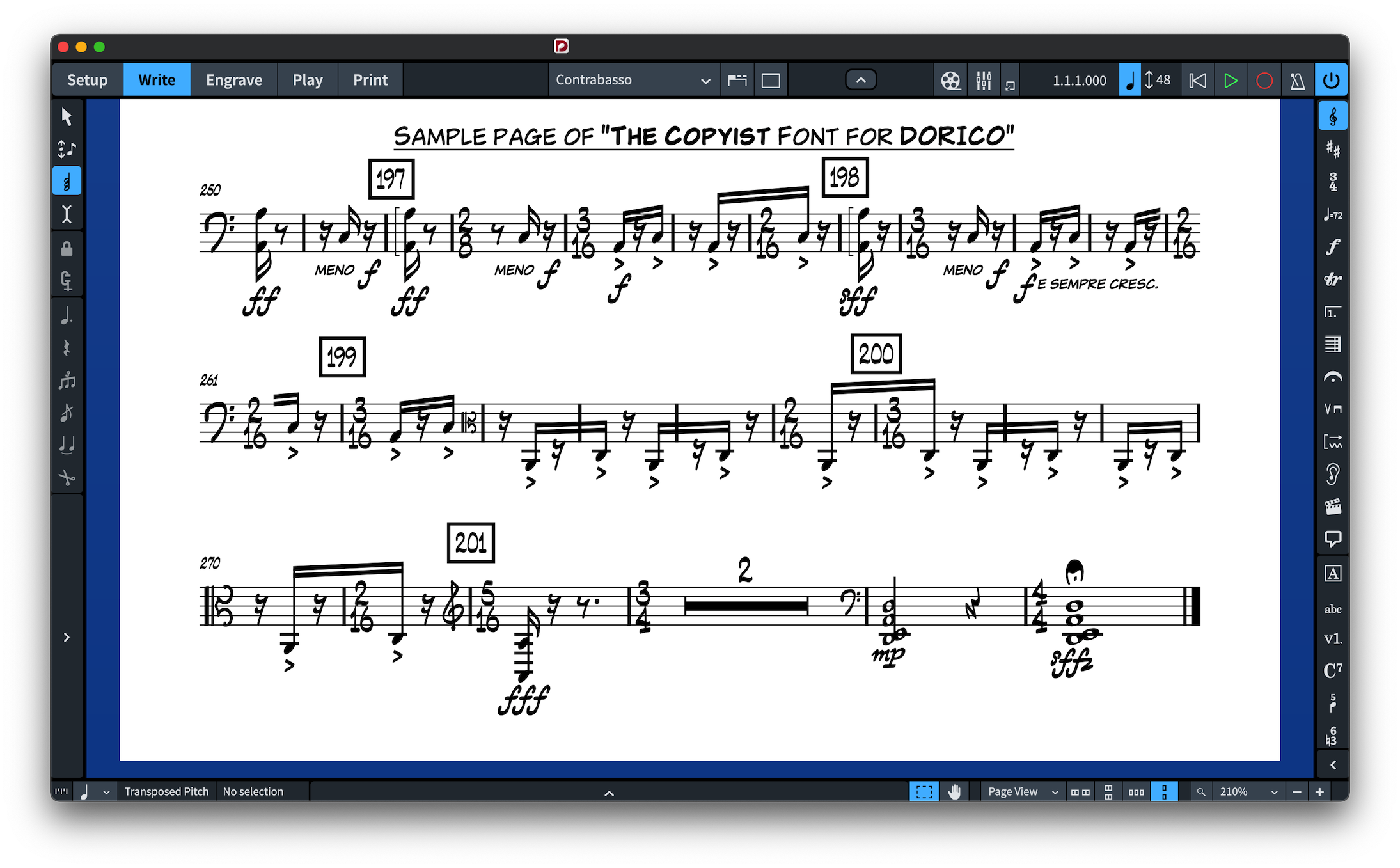
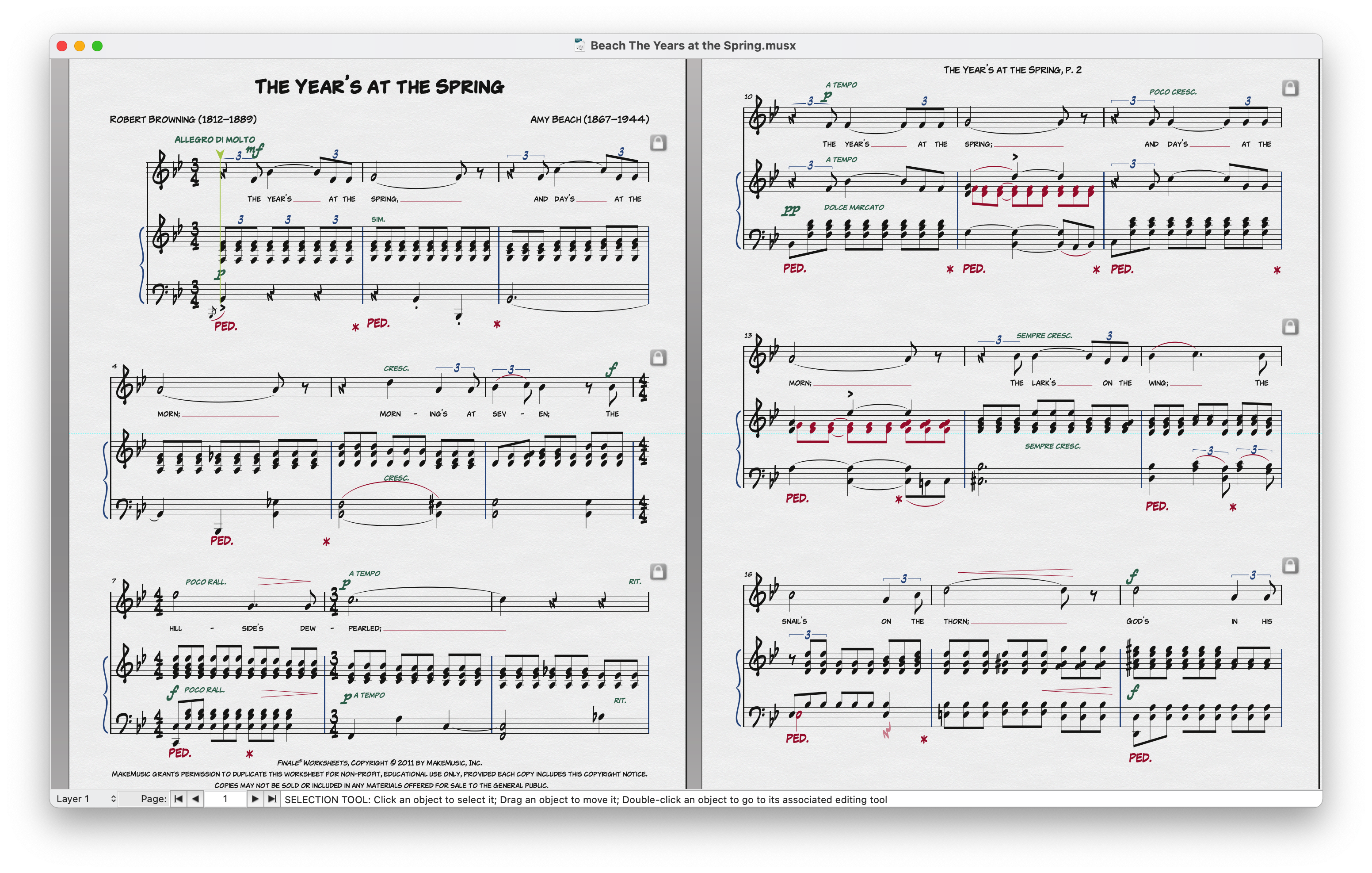
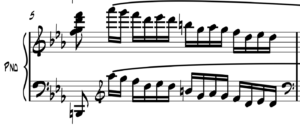
The Copyist is handwritten music and text fonts for Dorico & Finale v27 with lots of personality. Nothing else will get you as close to the look and feel of the classic Broadway scores à la Bert Kosow Style. The Copyist fonts feature more than 1400 music symbols and work as an alternative to Bravura, Petaluma fonts, Finale Maestro, Finale Jazz, or Finale Broadway fonts.
PDF Samples:
INSTALLING THE COPYIST FONTS
It’s very easy to install The Copyist fonts since they come with two installers, macOS and Windows.
Note for macOS users:
During installation, you may encounter a popup stating, “…pkg can’t be opened because Apple cannot verify it for malicious software.” To bypass this message, right-click or control-click on the *.pkg file and select “Open” from the context menu. You’ll be presented with a similar message, but this time, you’ll have the option to ignore the warning by clicking the “Open” button. If the message persists, proceed to System Settings > Privacy and Security > Security. Here, you’ll find an “Open anyway” option for the pkg installer displayed.
APPLYING THE COPYIST FONTS IN DORICO™ PRO
When running Dorico, it will find the new metadata file and will make an entry for the font in its list of available music fonts. However, to use The Copyist font:
-
-
- Open a Dorico score,
- Go to Engrave mode (Ctrl+3 or Cmd+3), click on the Engrave > Music Font menu option,
- In the dialog window that appears, click on the name of the font in the list, then click the button “Change Music Font” and select The Copyist to apply the font to your open score project;
-
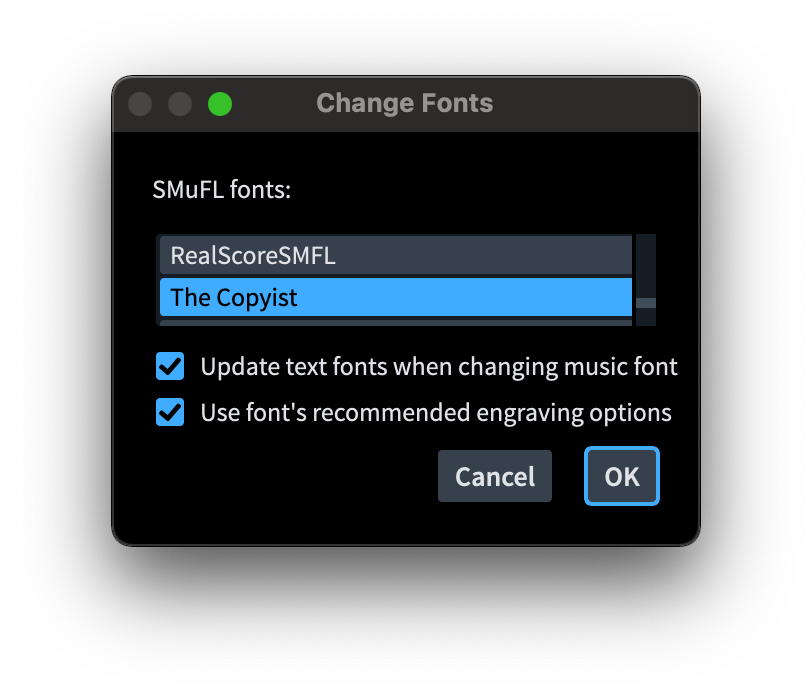
You can optionally check or uncheck the box to use the recommended engraving options; click “OK”, and you’ll notice that your score project is taking effect of the changes with the newly selected The Copyist font.
-
-
- You might also want to change the ‘Default text’ style in Engrave > Paragraph Styles but also the ‘Default text font’ font style in Engrave > Font Styles to The Copyist Alpha font and Engrave > Character Styles set Music Text to The Copyist Text font.
-
Changing the Music Font in Finale v27
Go to Document > Set Default Music Font… select The Copyist font and click OK.
IMPORTANT NOTE: Stems connections can be misaligned after converting the default music font to a SMuFL-based font, for more info on how to fix this issue click here.
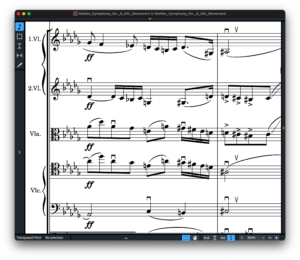
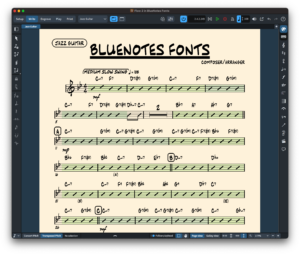
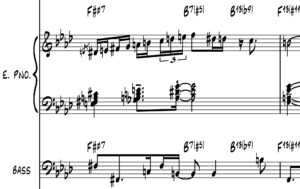
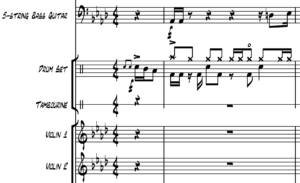
 BopMusic Fonts Set for Sibelius
This is a really clean font in Dorico, easy to install and gives a nice ‘quality’ style to my lead sheets and solo transcriptions. Definitely recommended, a nice alternative to Dorico’s own jazz font Petaluma.
I’m glad I was the first person who bought The Copyist font.
This 100% SMUFL jazz writing font and it is just perfect.
I especially love the sharp descending line of the treble clef.
It looks aggressive in a good way.It has a very distinctive and graphically high quality scores.
The Copyist is a great jazz font.