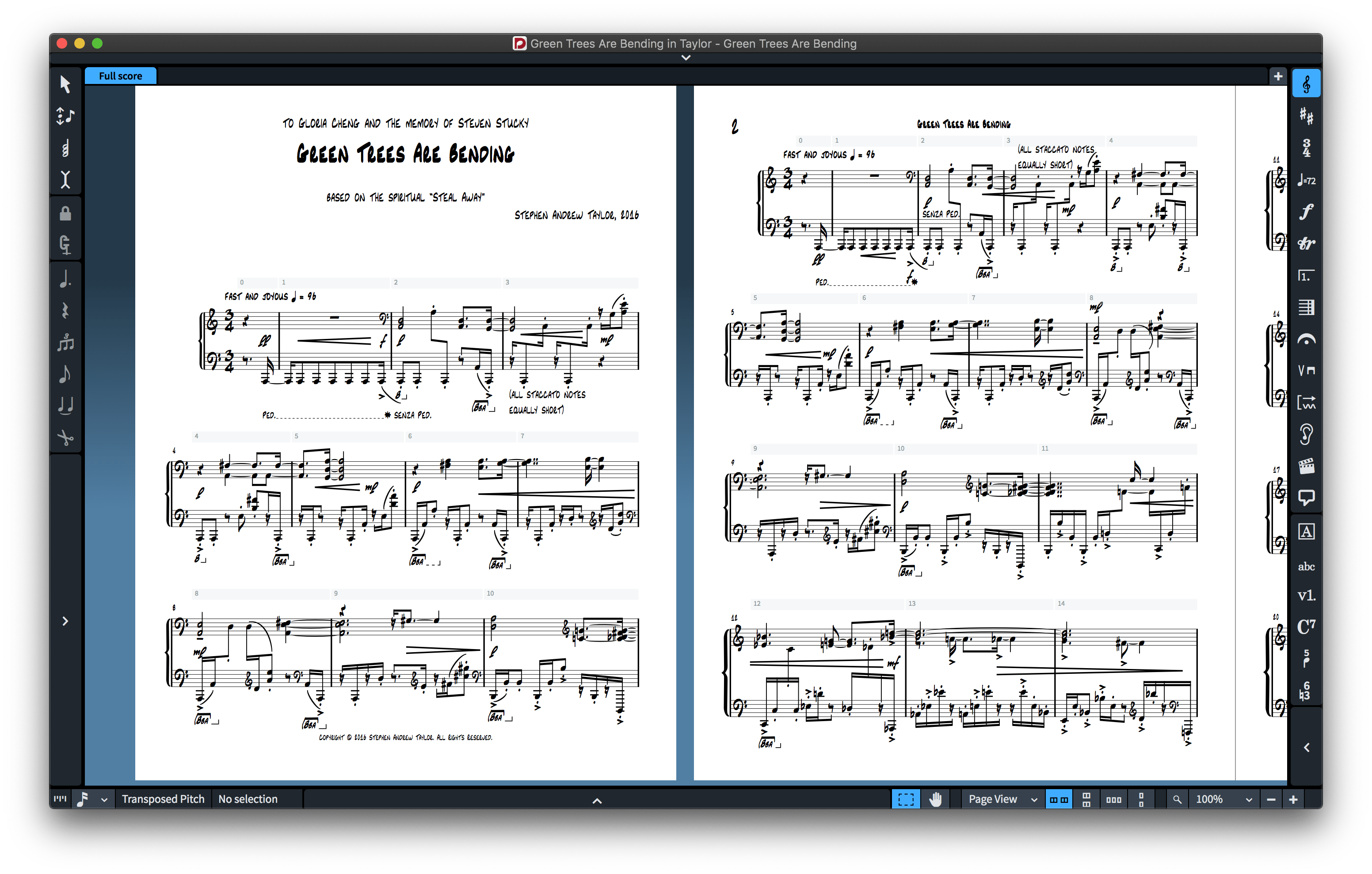
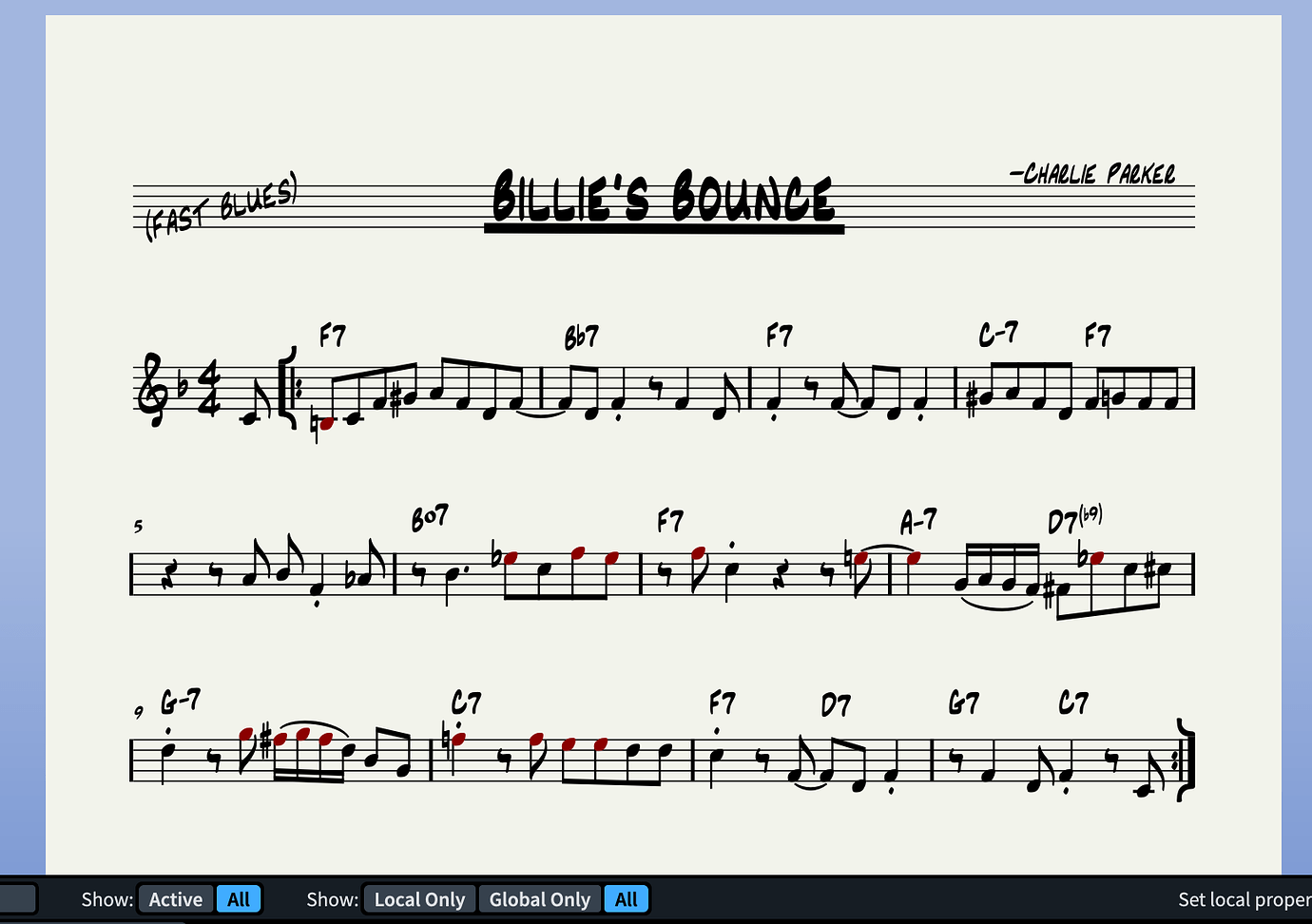
Description
[MacOS & Windows]
REALSCORE FONTS FOR DORICO, FINALE V27, & MUSESCORE V4.6 FEATURE 1 MUSIC SMUFL COMPLIANT MUSIC FONT AND 7 JAZZY TEXT FONTS.
RealScore Fonts for Dorico and Finale v27 are now SMuFL compliant and feature more than 1300 music symbols and work as an alternative to Bravura, Petaluma fonts, Finale Maestro, Finale Jazz, or Finale Broadway font.
PDF Samples:
INSTALLING REALSCORE FONTS
- It’s very easy to install RealScore fonts since they come with two installers, macOS and Windows.
Note for macOS users:
During installation, you may encounter a popup stating, “…pkg can’t be opened because Apple cannot verify it for malicious software.” To bypass this message, right-click or control-click on the *.pkg file and select “Open” from the context menu. You’ll be presented with a similar message, but this time, you’ll have the option to ignore the warning by clicking the “Open” button. If the message persists, proceed to System Settings > Privacy and Security > Security. Here, you’ll find an “Open anyway” option for the pkg installer displayed.
APPLYING RealScore FONTS IN DORICO™ PRO
When running Dorico, it will find the new metadata file and will make an entry for the font in its list of available music fonts. However, to use the RealScoreSMFL font:
-
-
- Open a Dorico score,
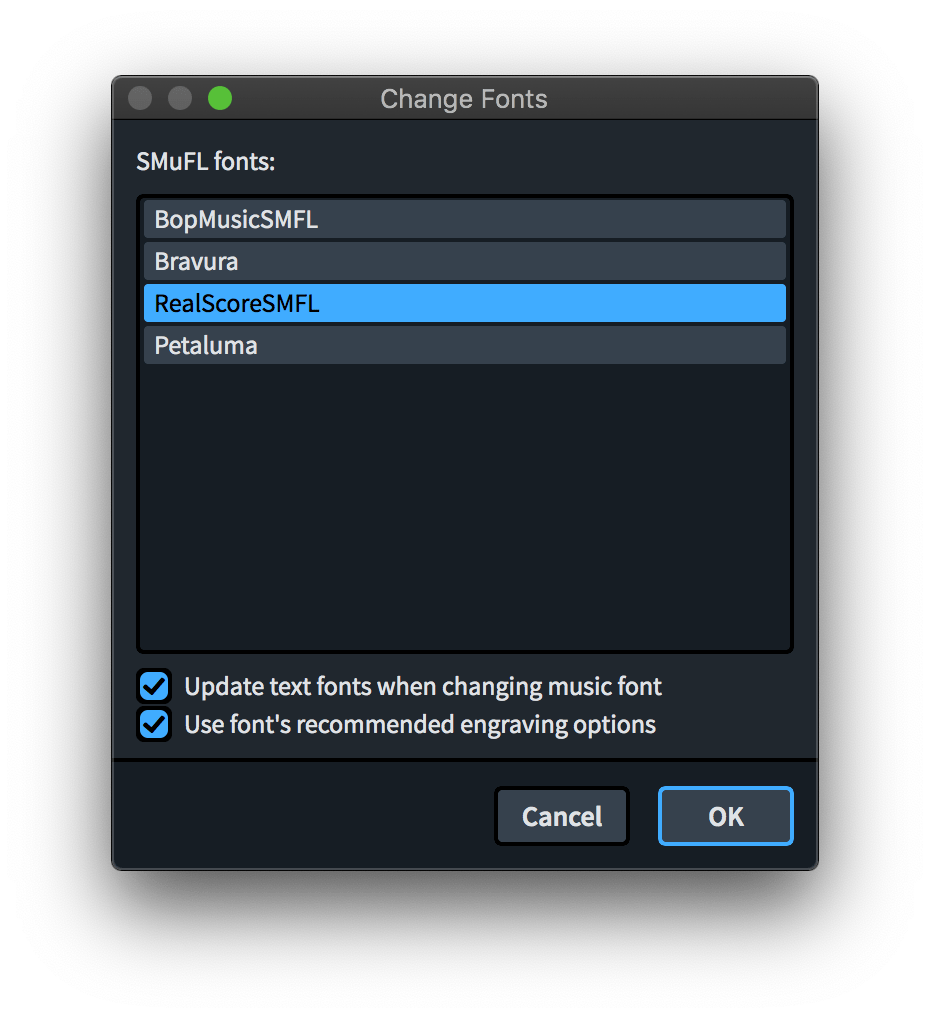
- Go to Engrave mode (Ctrl+3 or Cmd+3), click on the Engrave > Music Font menu option,
- In the dialog window that appears, click on the name of the font in the list, then click the button “Change Music Font” and select RealScoreSMFL to apply the font to your open score project
-
You can optionally check or uncheck the box to use the recommended engraving options; click “OK”, and you’ll notice that your score project is taking effect of the changes with the newly selected RealScoreSMFL font.
-
-
- You might also want to change the ‘Default text’ style in Engrave > Paragraph Styles but also the ‘Default text font’ font style in Engrave > Font Styles to RealScore Alpha font and Engrave > Character Styles set Music Text to RealScoreSMFL Text font.
-
You can optionally check or uncheck the box to use the recommended engraving options; click “OK”, and you’ll notice that your score project is taking effect of the changes with the newly selected RealScoreSMFL font.
-
-
- You might also want to change the ‘Default text’ style in Engrave > Paragraph Styles but also the ‘Default text font’ font style in Engrave > Font Styles to RealScore Alpha font and Engrave > Character Styles set Music Text to RealScoreSMFL Text font.
-
Making Enclosed, Underlined, and Overlined Text in Dorico (macOS ONLY!):

Changing the Music Font in Finale v27
Go to Document > Set Default Music Font… select RealScoreSMFL font and click OK.
IMPORTANT NOTE: Stems connections can be misaligned after converting the default music font to a SMuFL-based font, for more info on how to fix this issue click here.
This is exactly the look I wanted for my jazz and popular arrangements and originals. My band immediately noticed the new font and complimented the new look of my works. I take engraving as a very serious part of publishing my work, and this font gives me all the glyphs and characters I need to stand out.