If you want Sibelius scores to look more refined and traditionally engraved, the music font is one of the most visible choices you can make. Noteheads, clefs, accidentals, rests, articulations and other symbols collectively establish the character of the page.
NorFonts provides dedicated Sibelius editions rather than asking Sibelius users to install the same SMuFL package used for Dorico, Finale and MuseScore. Start with Sibelius Music Fonts.
What makes a Sibelius font look engraved?
An engraved style generally aims for balance, authority and consistency across the full symbol set. The effect comes from relationships between glyphs rather than from one especially attractive clef or notehead. A successful family should keep dense passages calm while giving the score a distinctive printed identity.
Look at the whole page
When comparing fonts, examine pages containing chords, accidentals, tuplets, articulations, dynamics, rehearsal marks and text. A font that looks excellent in a specimen may feel too heavy or too light once it is used across a complete score.
Use Compare NorFonts to explore the families by style and software, then review score samples on the individual product pages.
Traditional versus contemporary engraving
Some engravers prefer a stronger historical printed character, while others want a cleaner contemporary page. Neither approach is inherently better. Classical editions, chamber music, educational scores and contemporary publishing can all benefit from different levels of weight, openness and formality.
Browse Engraved Music Fonts to compare the broader NorFonts design direction before selecting the dedicated Sibelius edition.
Why dedicated Sibelius editions matter
Sibelius does not use NorFonts in exactly the same way as SMuFL-aware applications such as Dorico and MuseScore. That is why NorFonts product pages identify packages specifically intended for Sibelius. Choosing the correct edition helps ensure that the music and companion text resources are prepared for the Sibelius workflow.
Real Sibelius notation examples
These examples are taken from NorFonts score presentations for Sibelius. They are different score passages, so focus on letterform weight, clef and accidental shapes, and staff readability rather than treating them as a controlled same-music test.
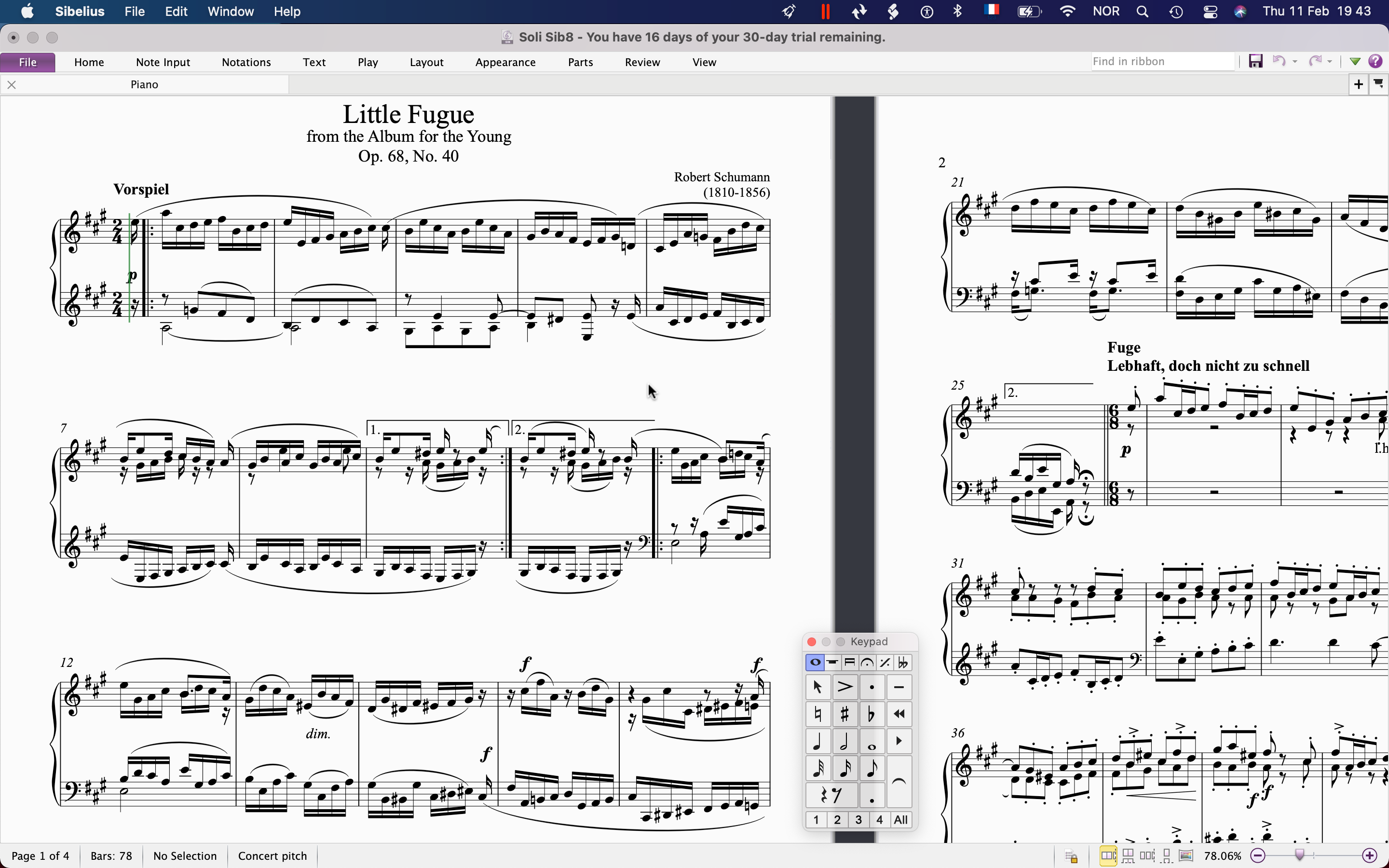
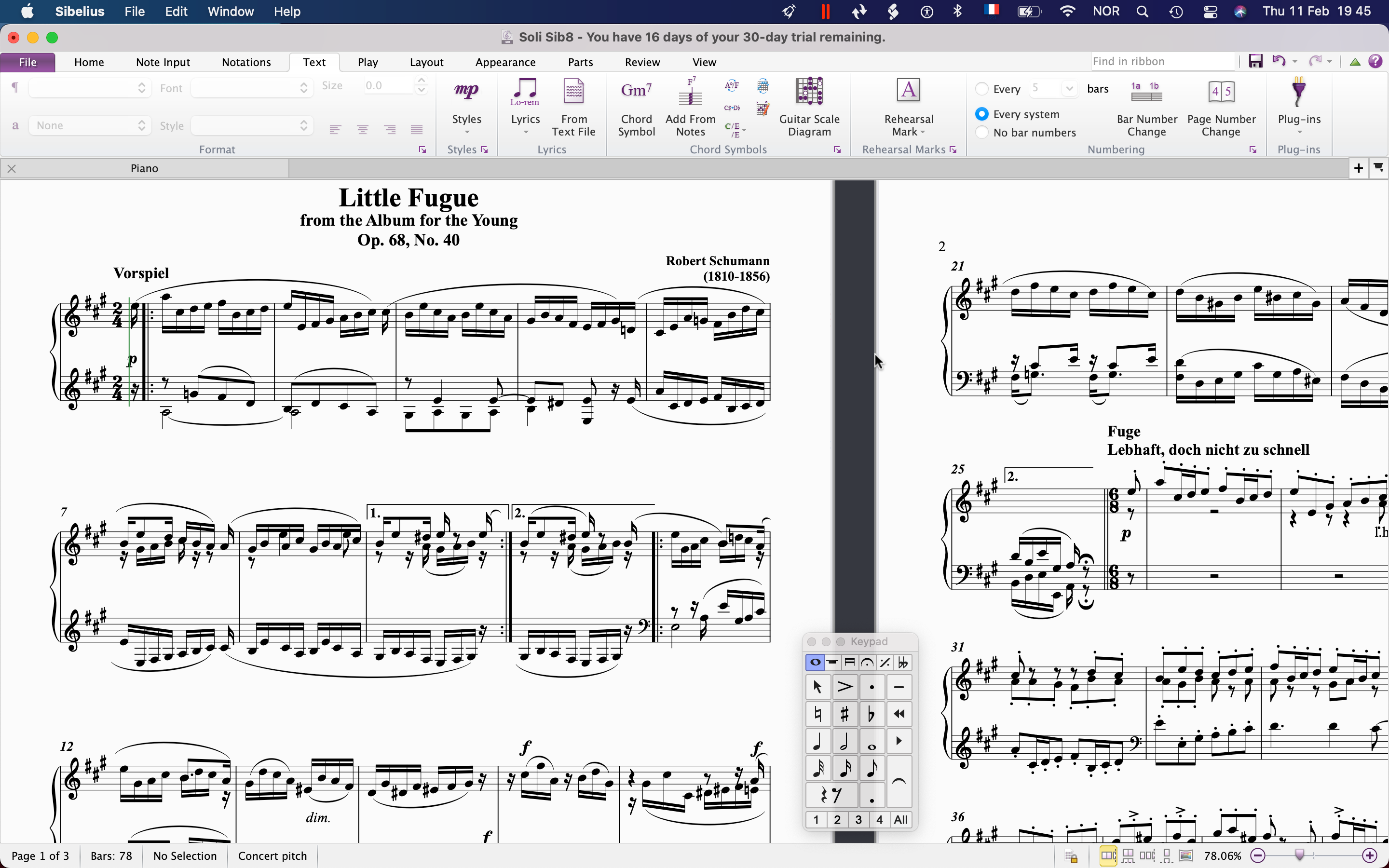
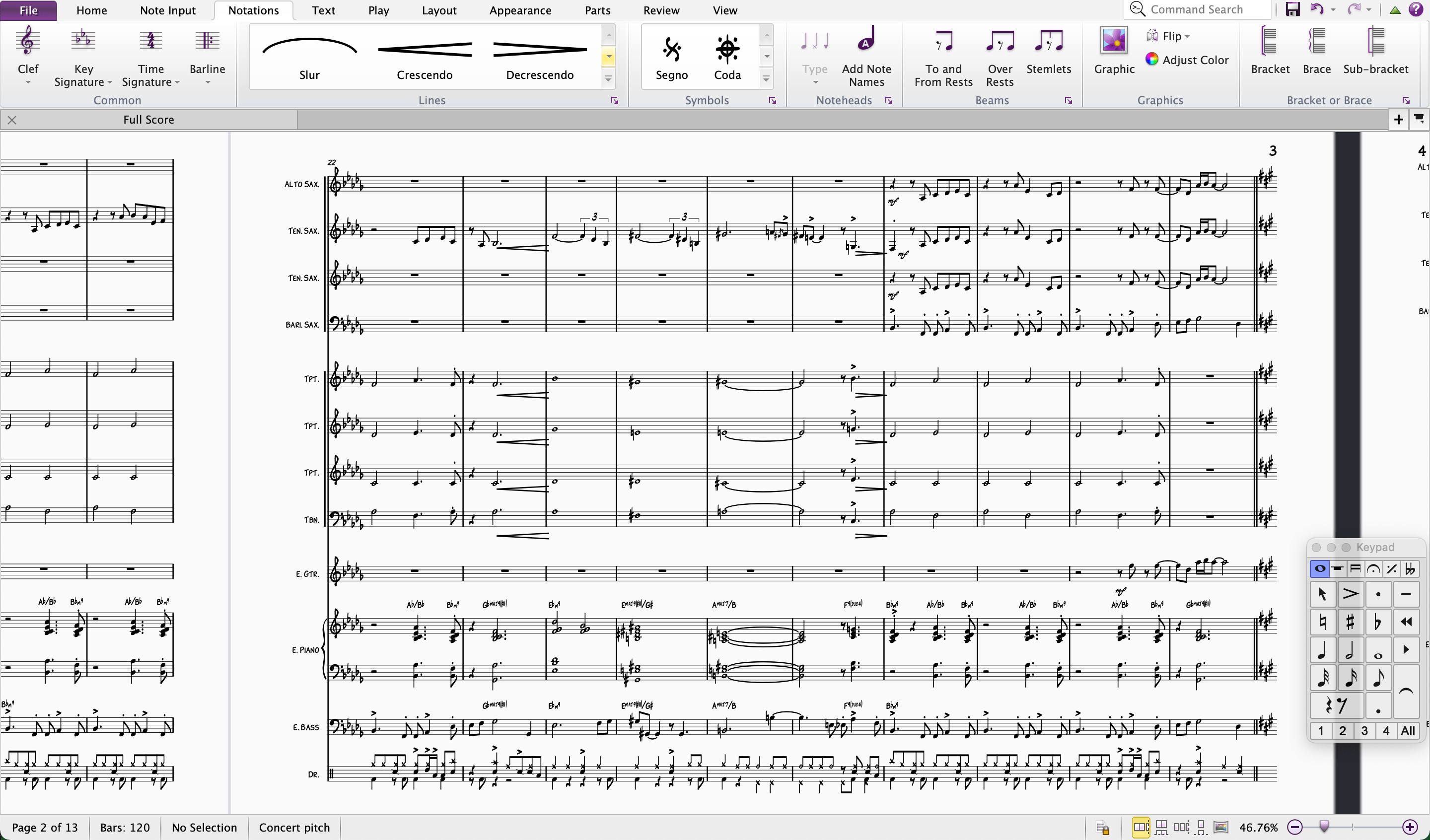
What should you examine?
| Feature | In engraved scores | In handwritten scores |
|---|---|---|
| Noteheads and rests | Check uniform weight and stable rhythmic pattern. | Check distinctive hand-drawn character without ambiguity. |
| Accidentals and articulations | Inspect clear differentiation in dense harmonies. | Ensure expressiveness never obscures symbol identity. |
| Dynamics and text | Compare consistent contrast and alignment. | Check that chord-symbol and rehearsal lettering harmonize with the notation. |
For a reliable final comparison, apply two candidates to the same Sibelius file at identical staff sizes, then inspect the exported PDF rather than relying on thumbnails alone. Available editions include Soli & Tutti for Sibelius and Rhapsody for Sibelius.
Readability still comes first
A polished score must remain readable at normal staff sizes. Check accidentals in chords, ledger-line passages, rests, articulations and dynamics at the size you actually print. The visual identity of an engraved font should support the music rather than compete with it.
When handwritten may be a better fit
If the project is a jazz chart, Broadway-style arrangement or commercial lead sheet, a formal engraved face may not be the most convincing choice. In that case, compare the Handwritten Music Fonts and Jazz Music Fonts collections.