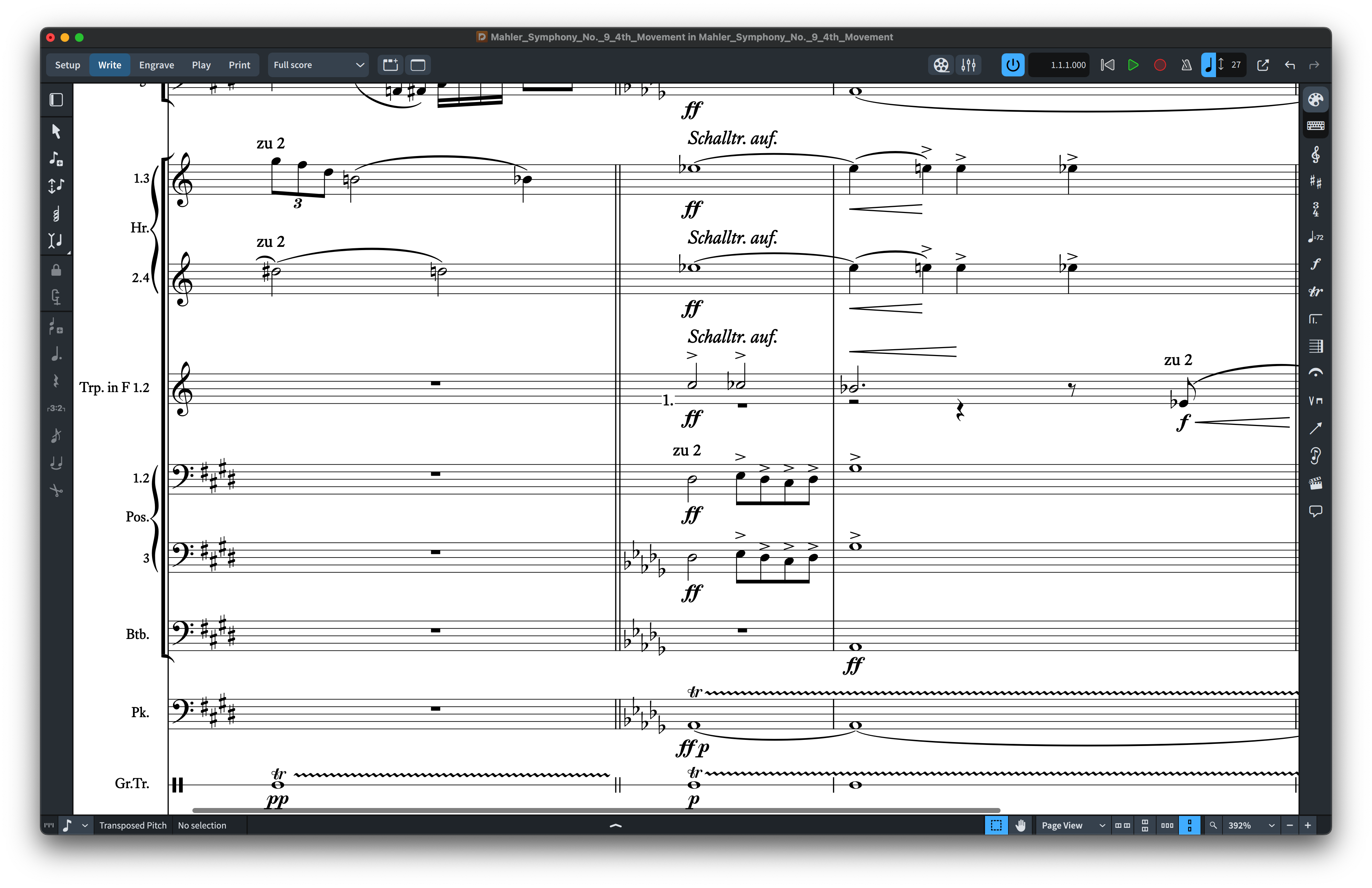
Choosing a SMuFL music font is not just a cosmetic decision. The right font affects the visual character of a score, the way musicians perceive clarity and hierarchy, and how well the page fits a particular repertoire or publishing style. This guide explains how to compare SMuFL music fonts for real-world notation work in Dorico, MuseScore and Finale v27+.
If you already know you want a SMuFL-compatible NorFonts family, you can browse the SMuFL Music Fonts collection directly. If you are still deciding between engraved and handwritten aesthetics, continue below.
1. Start with the musical context
The best font depends first on the kind of score you are producing. Classical publishing, contemporary chamber music, jazz lead sheets, big-band arrangements and educational material all place different visual demands on notation.
For orchestral, chamber and publication-oriented work, begin with Engraved Music Fonts. These styles emphasize balance, refinement and a printed-score character. For jazz, Broadway, commercial arranging and copyist-style charts, explore Handwritten Music Fonts.
2. Decide whether you want engraved or handwritten character
Engraved fonts generally feel formal, stable and publication-ready. Handwritten fonts bring immediacy, personality and the visual language associated with traditional copyist work. Neither approach is inherently more professional; the right choice depends on the musical context and the impression you want the page to create.
When comparing fonts, look beyond a single clef or notehead. The important question is how the full system works together: noteheads, accidentals, rests, dynamics, articulations, flags, numerals and companion text styles.
3. Check compatibility with your notation software
NorFonts SMuFL editions are designed for modern SMuFL-aware notation workflows, including Dorico, MuseScore 4.6+ and Finale v27+. Sibelius uses separate dedicated NorFonts editions, so Sibelius users should start from the Sibelius Music Fonts page rather than selecting a SMuFL package.
Dorico users can also browse the dedicated Dorico Music Fonts page, while MuseScore users can start with MuseScore Music Fonts.
4. Judge the font in a complete score, not an isolated specimen
A notation font can look attractive in a glyph sheet and behave very differently in a dense score. Always evaluate the overall page: staff texture, chord spacing, accidentals, dynamics, articulations and the relationship between music symbols and text.
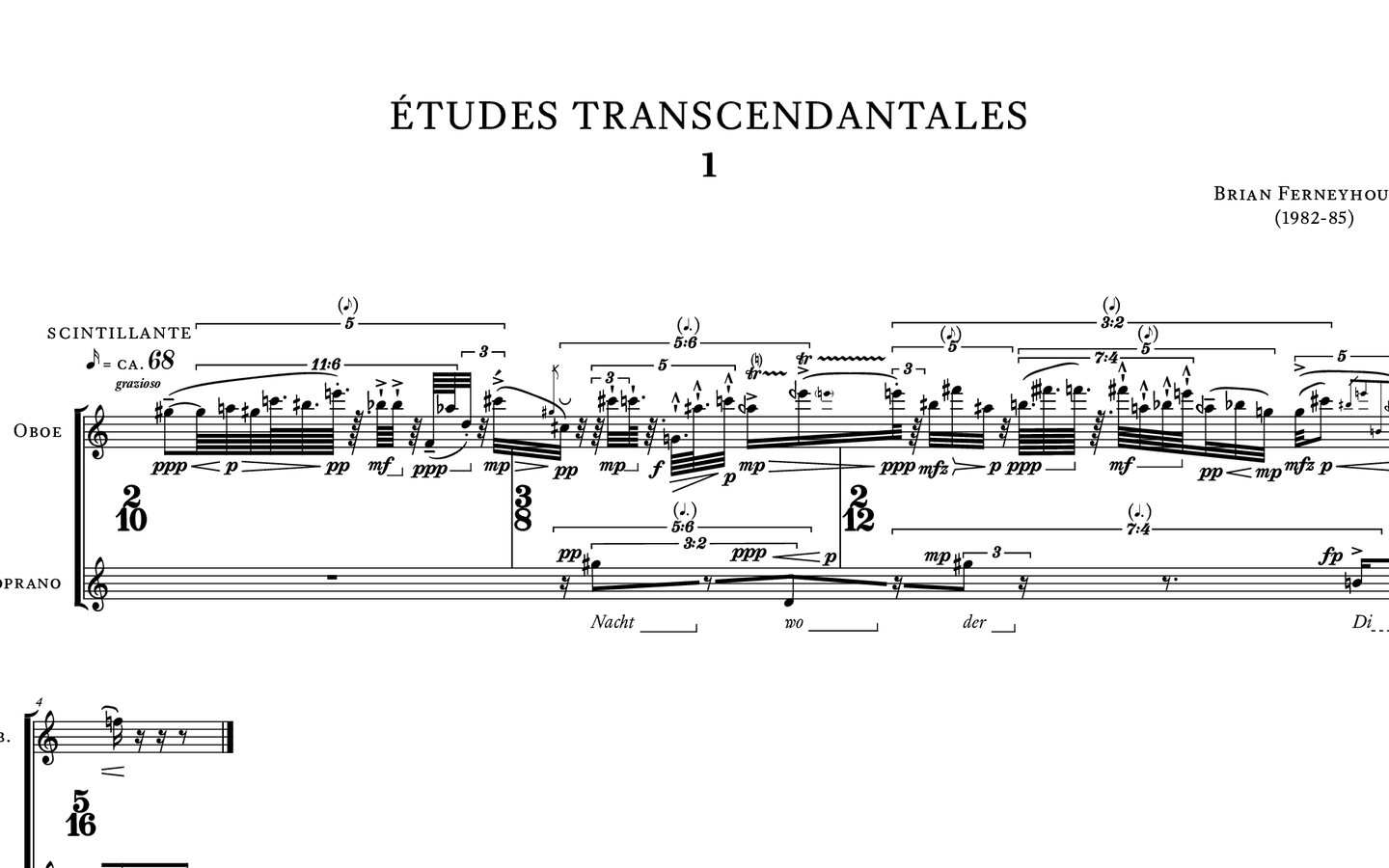
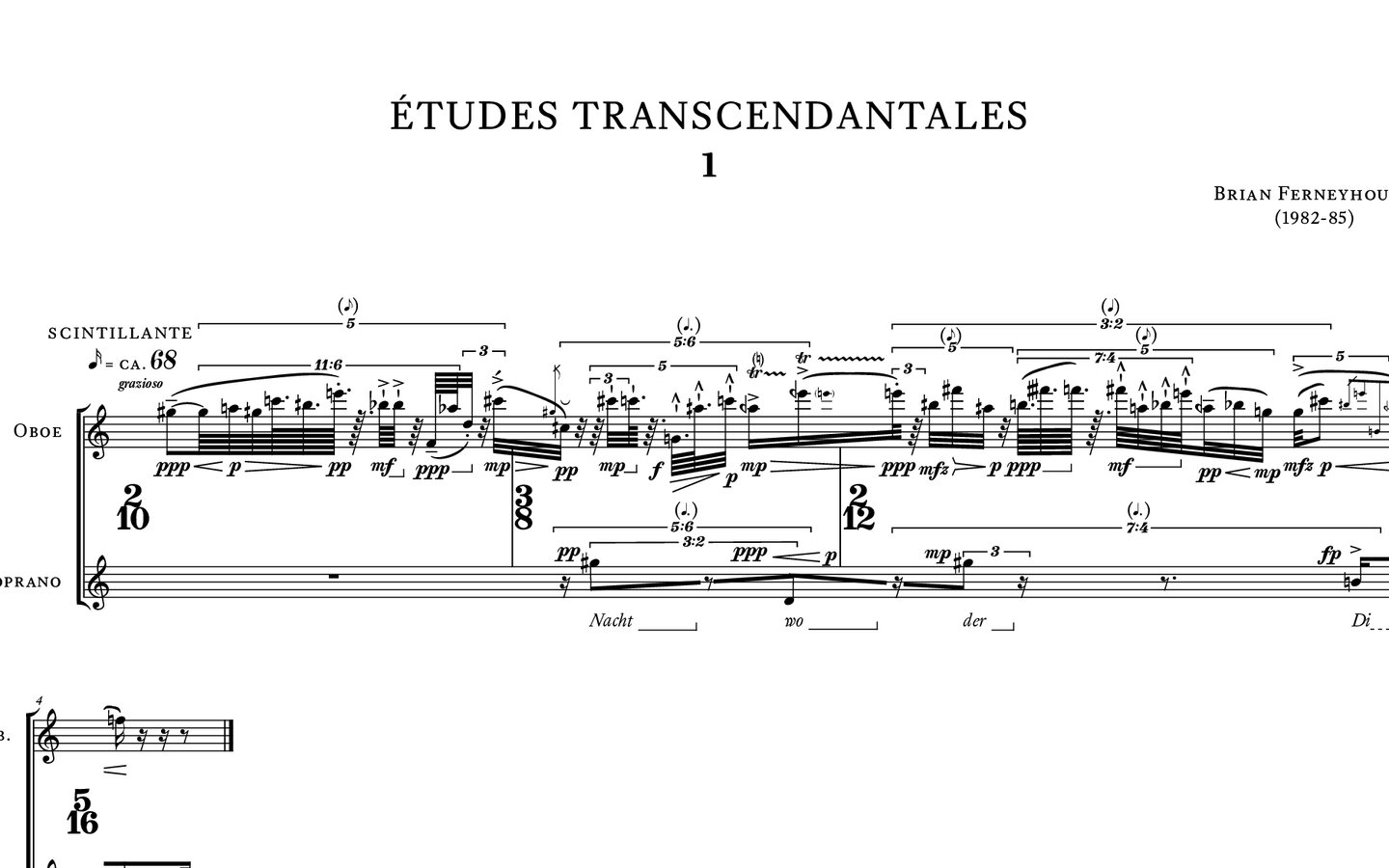
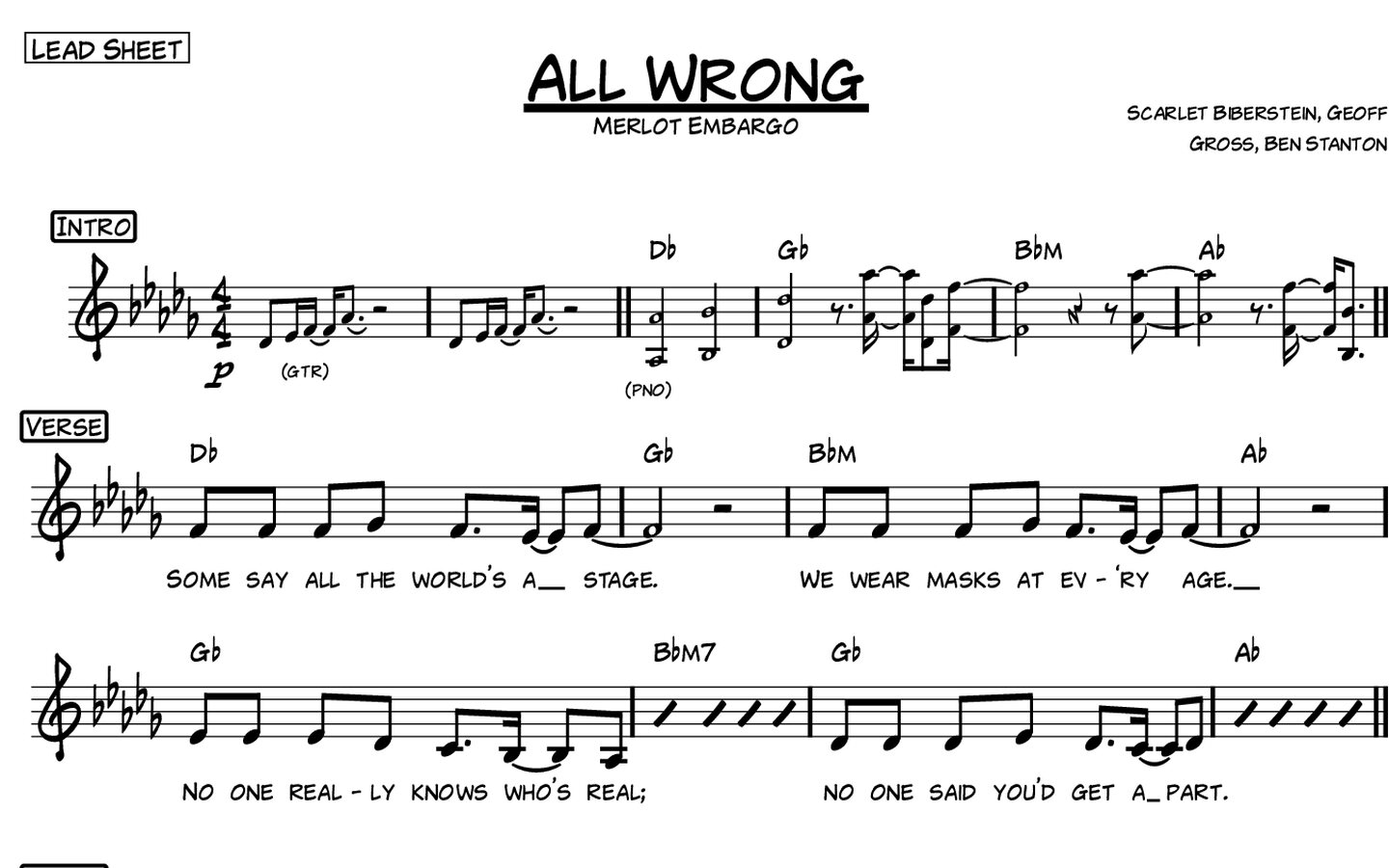
This is why examining the PDF score samples on individual product pages is useful. Comparing actual musical passages makes it much easier to judge whether a font is suitable for your repertoire. Use Compare NorFonts to narrow your selection first.
5. Consider readability at normal print sizes
A strong notation font should remain clear at realistic staff sizes, not only when enlarged on screen. Look for noteheads that remain distinct, accidentals that do not feel cramped, rests that are immediately recognizable and symbols that keep their character without becoming visually noisy.
For practical use, test the font in the same kind of output you regularly produce: full score, part, lead sheet, educational handout or commercial chart.
6. Match the font to the emotional tone of the music
Typography changes how a score feels before a note is played. A traditional engraved face can reinforce formality and precision. A handwritten family can suggest energy, informality, jazz heritage or a hand-copied tradition. A lighter contemporary design may suit modern concert or educational material.
The goal is not to find one “best” music font, but the font whose visual voice supports the music.
7. Compare families side by side
Here are four actual NorFonts score excerpts. They are drawn from different scores, so use them to compare visual personality, then test your shortlist on the same music before purchasing. Click an image to enlarge it.
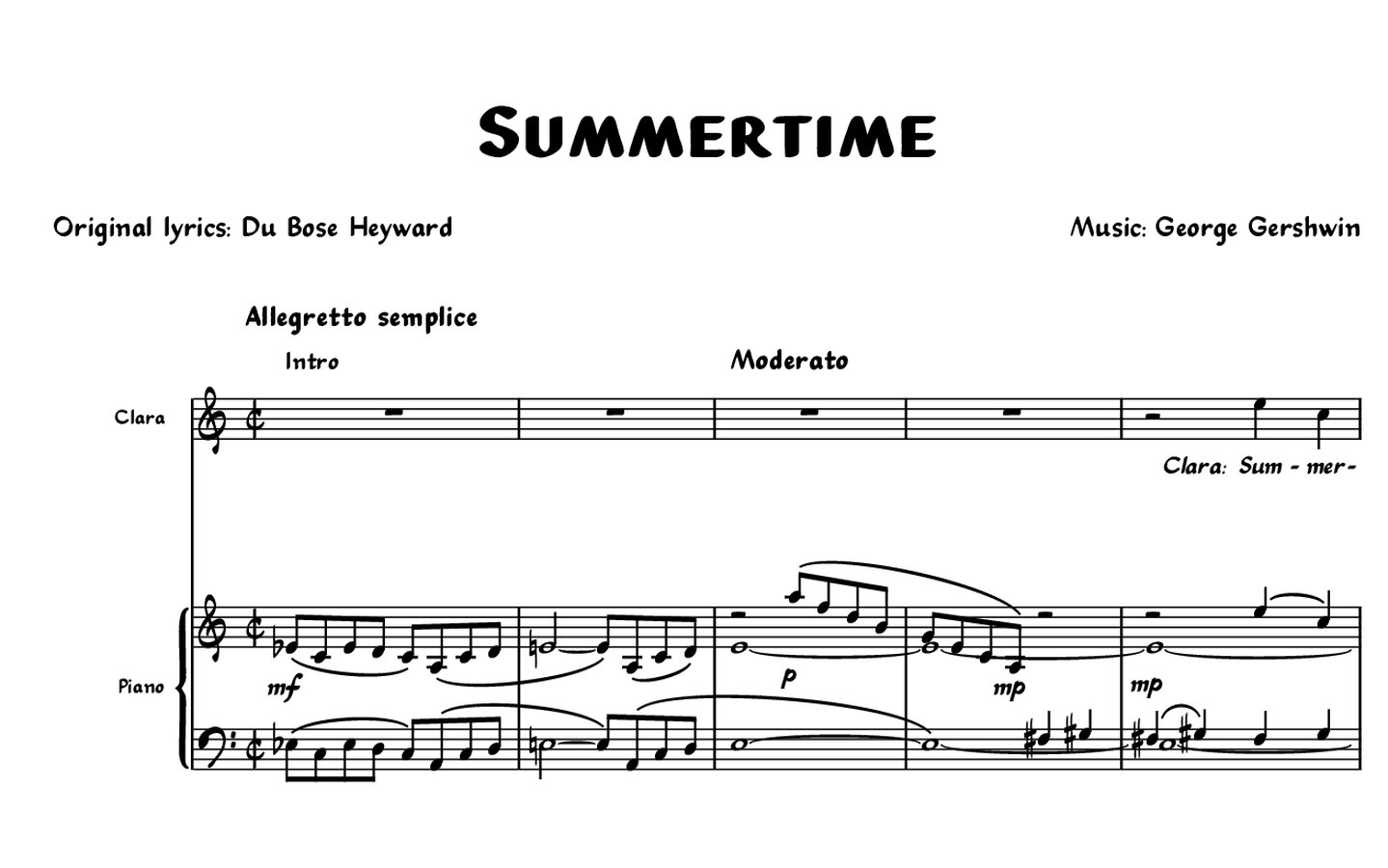
Practical selection matrix
| Your goal | Recommended direction | Candidate families |
|---|---|---|
| Formal score or publication | Engraved | Concerto or CapoScore |
| Jazz lead sheet with restrained handwriting | Clean handwritten | The Copyist or RealScore |
| Expressive big-band or commercial chart | Bolder handwritten | Groove or BlueNotes |
When checking these options, examine noteheads and accidentals in dense chords, slurs and articulations near staff lines, dynamic markings and chord symbols alongside the companion text font. Before comparing spacing, apply each font’s recommended engraving/style settings.
If you are deciding between several NorFonts families, use Compare NorFonts to evaluate them by style and software. It is often easier to make a decision when engraved and handwritten options are viewed side by side rather than one product at a time.
A practical shortlist
Choose an engraved SMuFL font if you want a refined printed character for classical, contemporary or publication work. Choose a handwritten SMuFL font if you want jazz, Broadway, commercial arranging or hand-copied energy. Then verify the family in real score examples and select the package for your notation software.