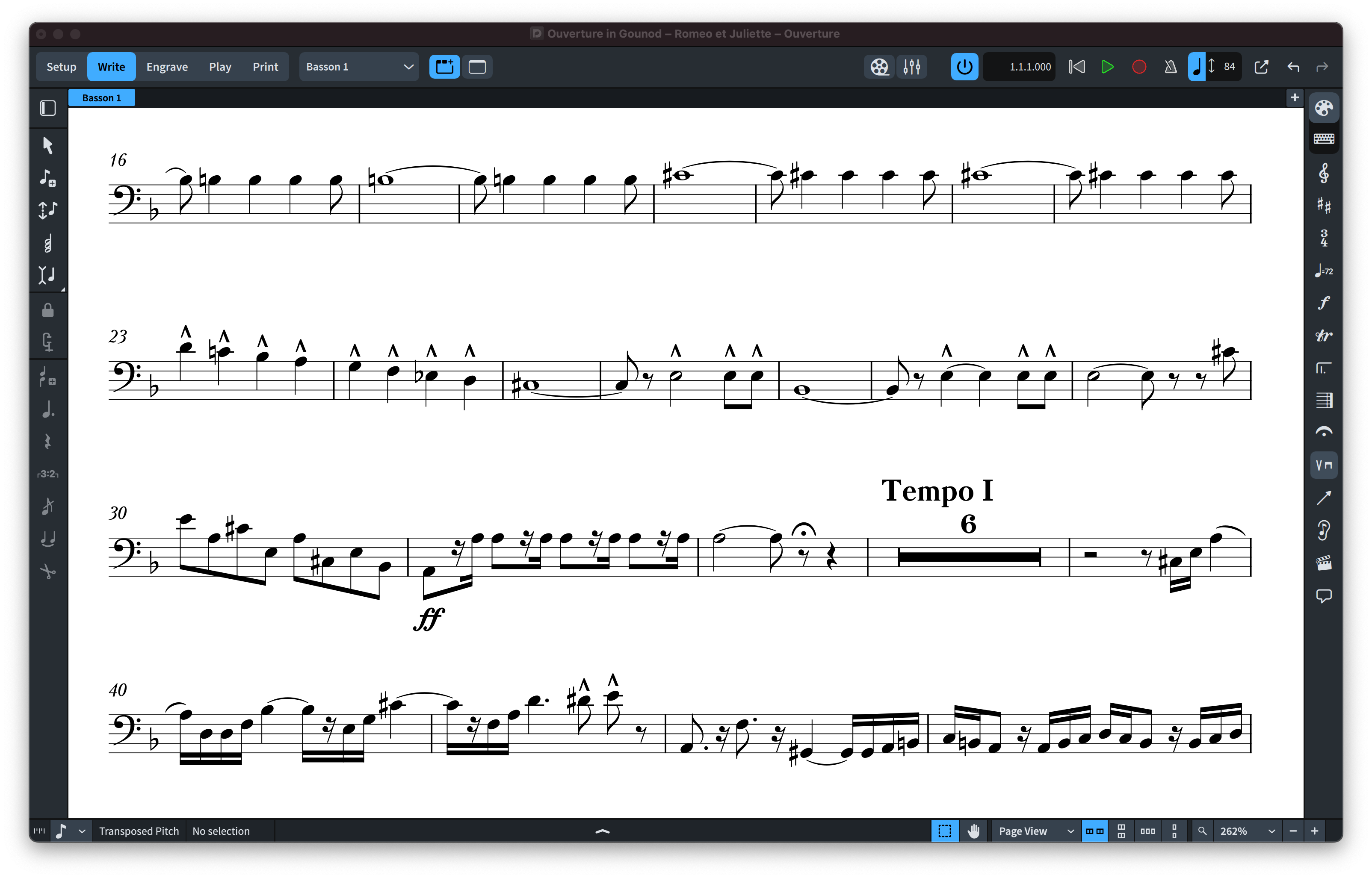
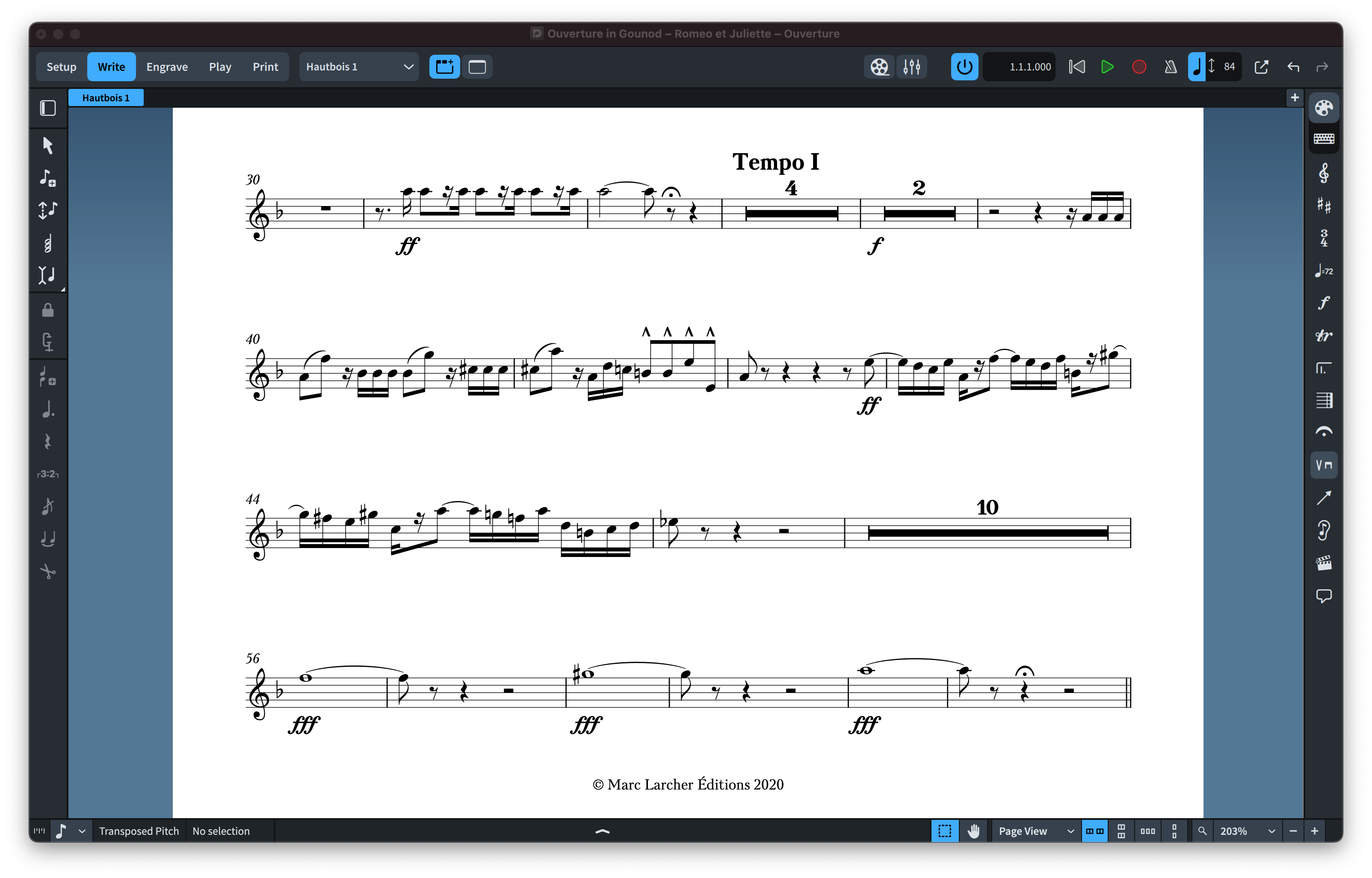
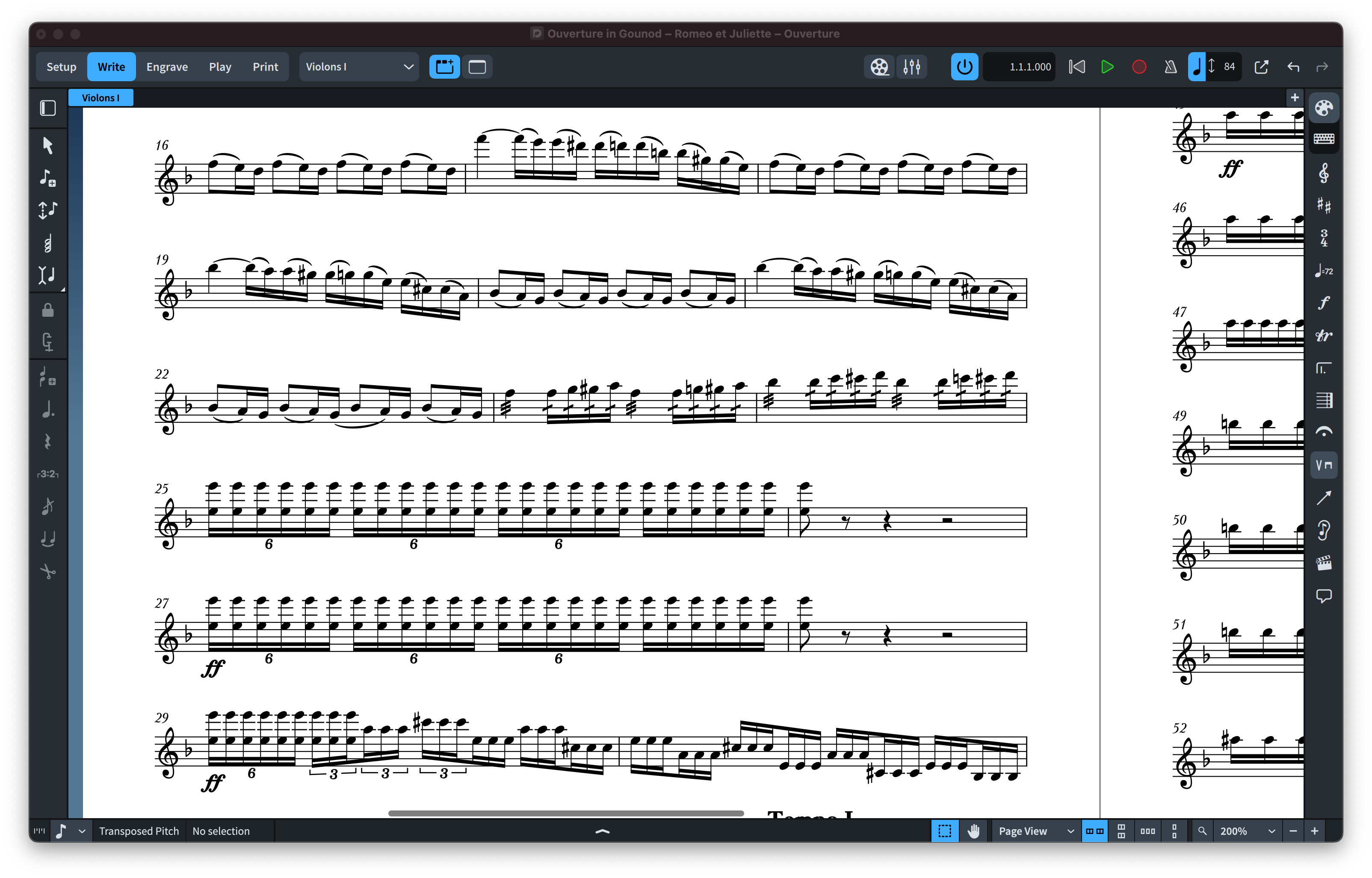
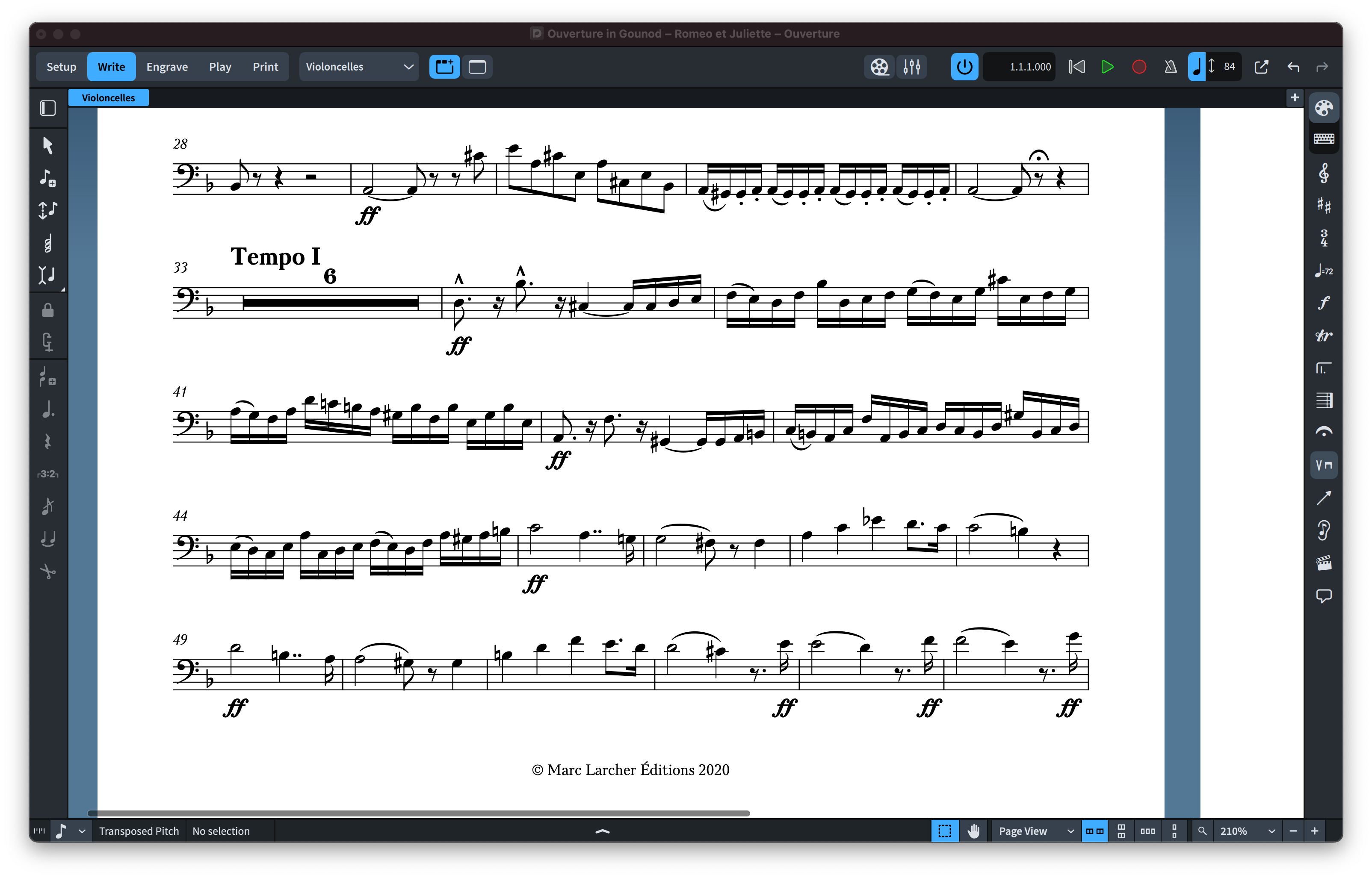
Description
[macOS & Windows]
SCHERZO FOR DORICO & FINALE V27 FEATURE 2 SMUFL COMPLIANT MUSIC FONTS: “SCHERZO” & “SCHERZO STD”.
(Emulation of traditional German Urtext Notation)
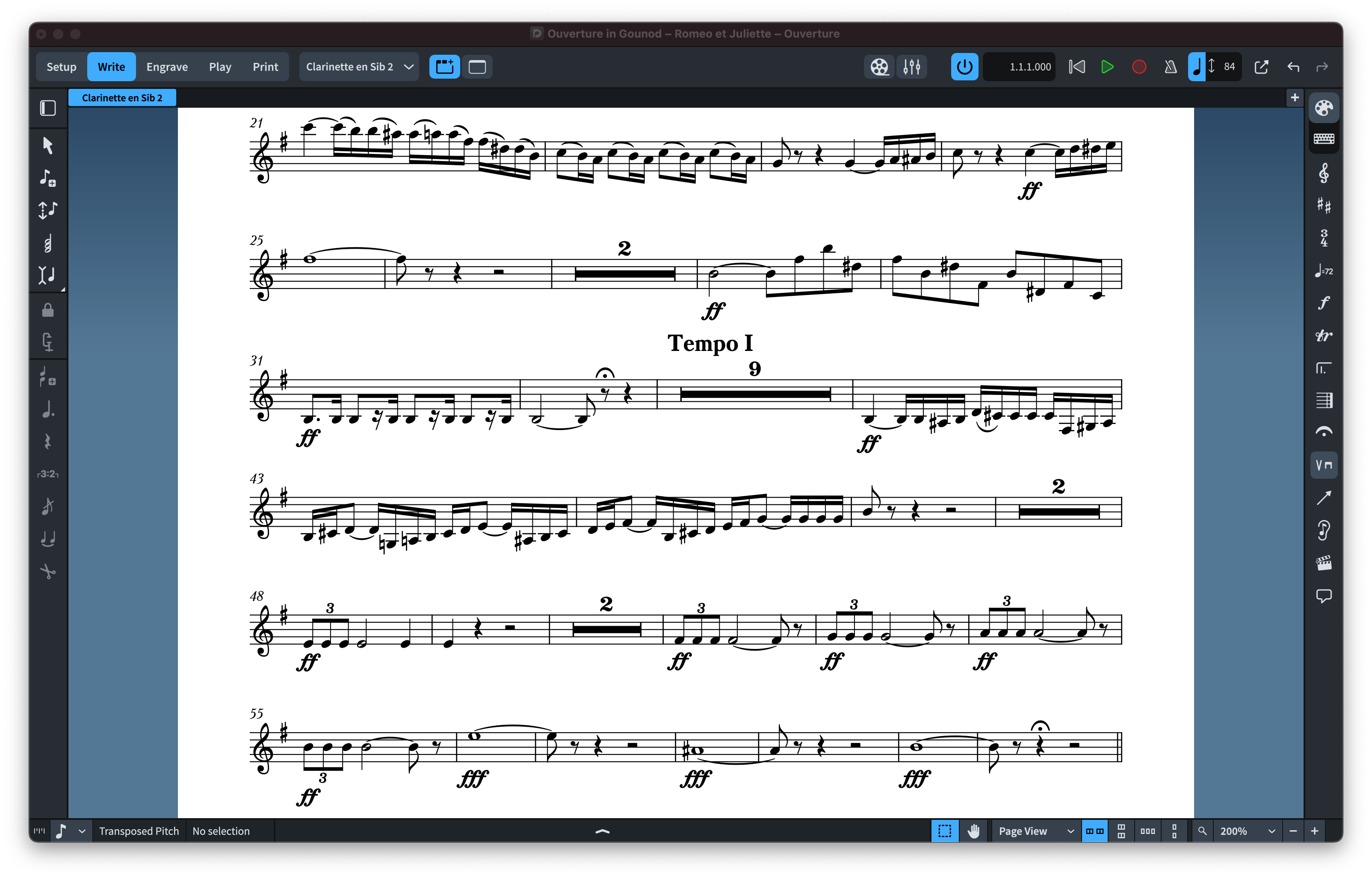
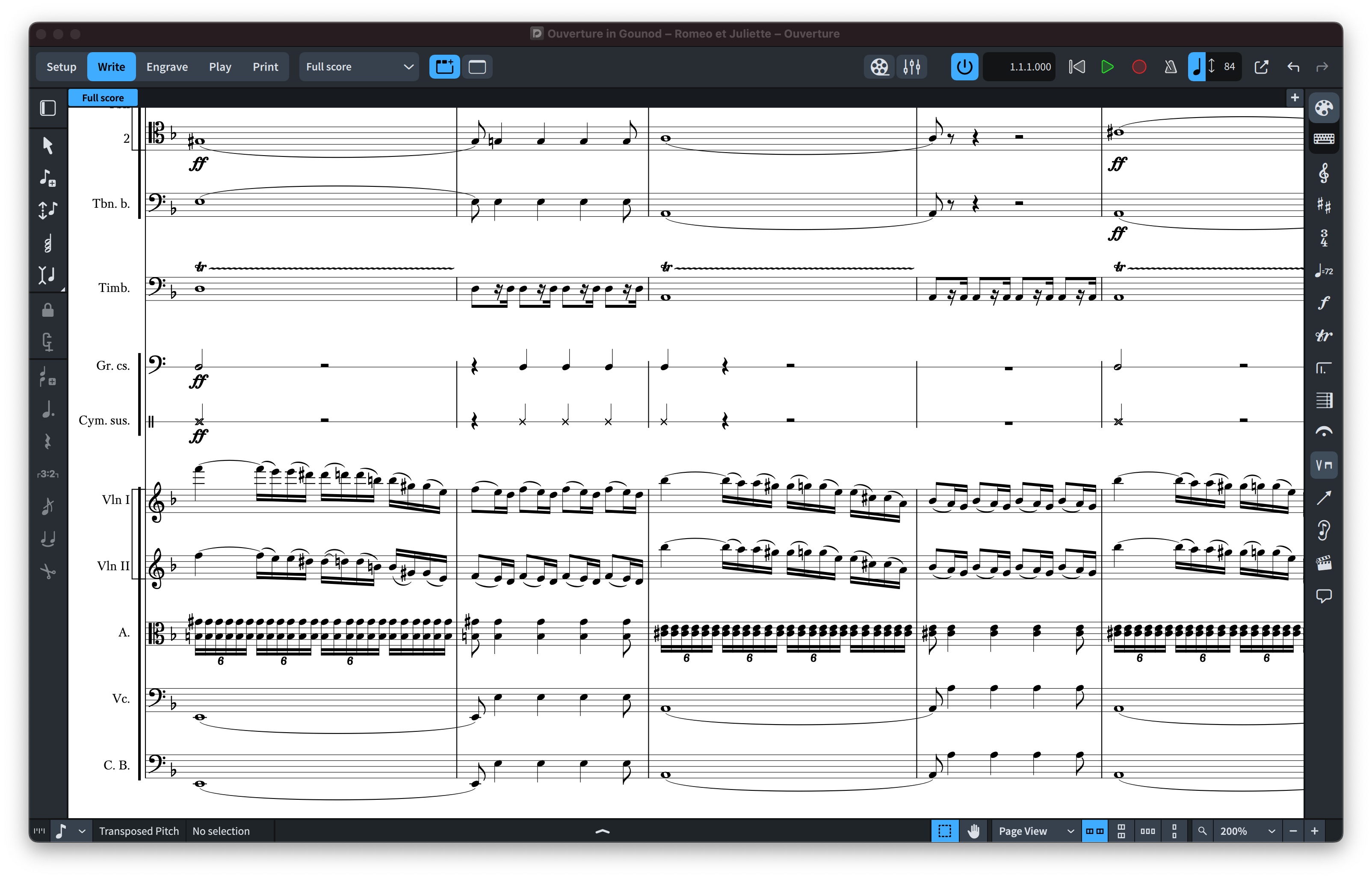
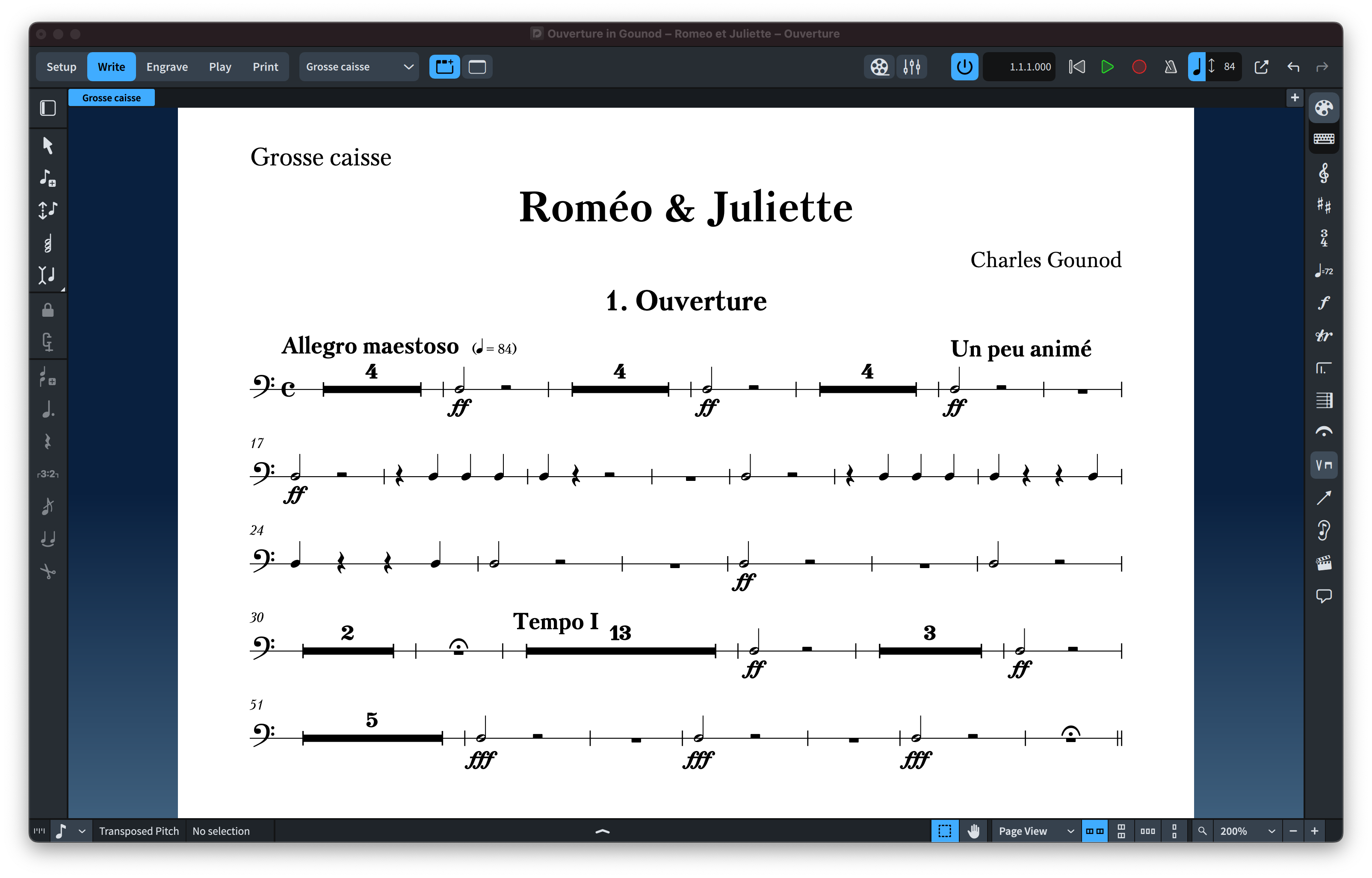
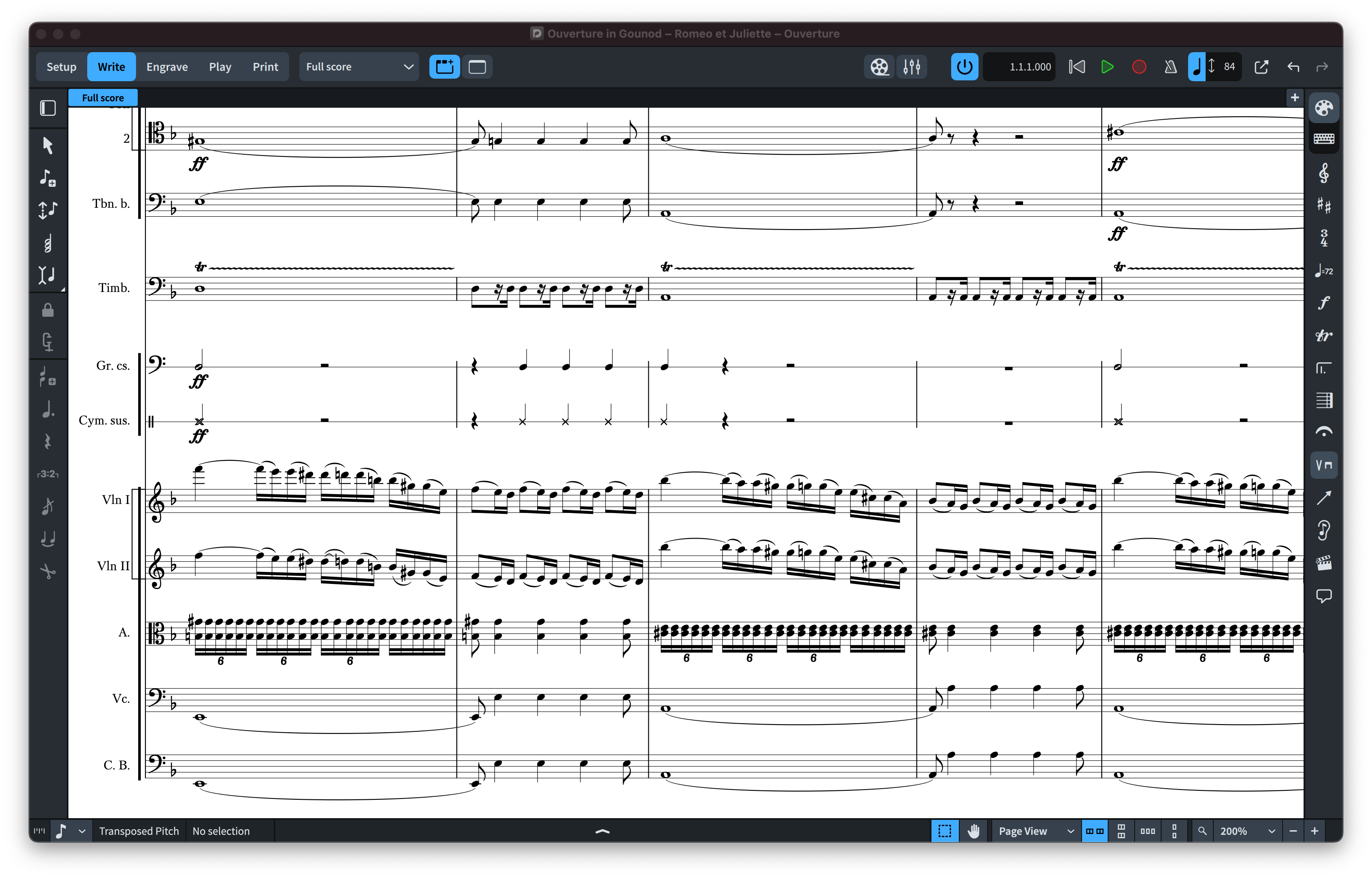
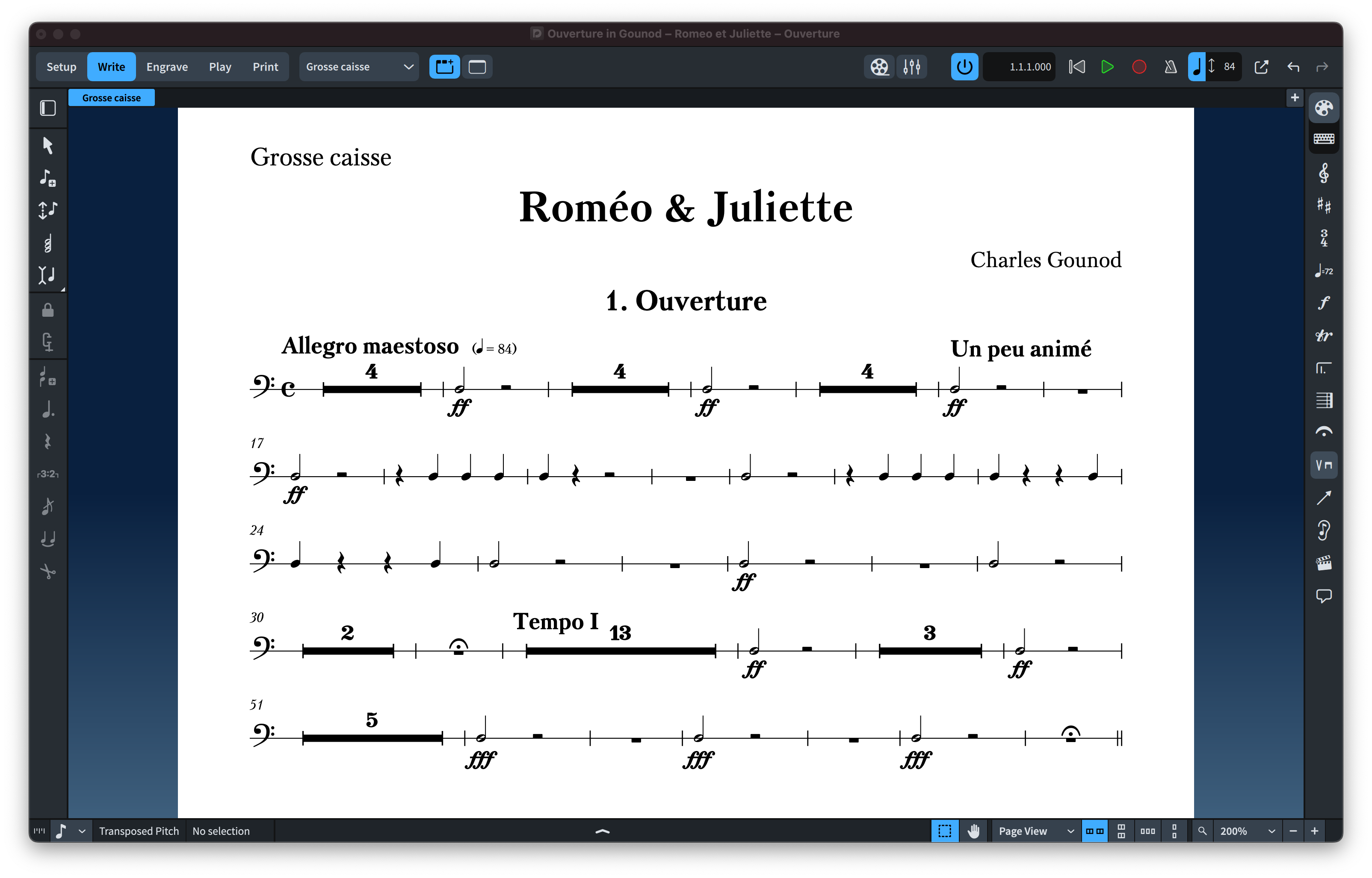
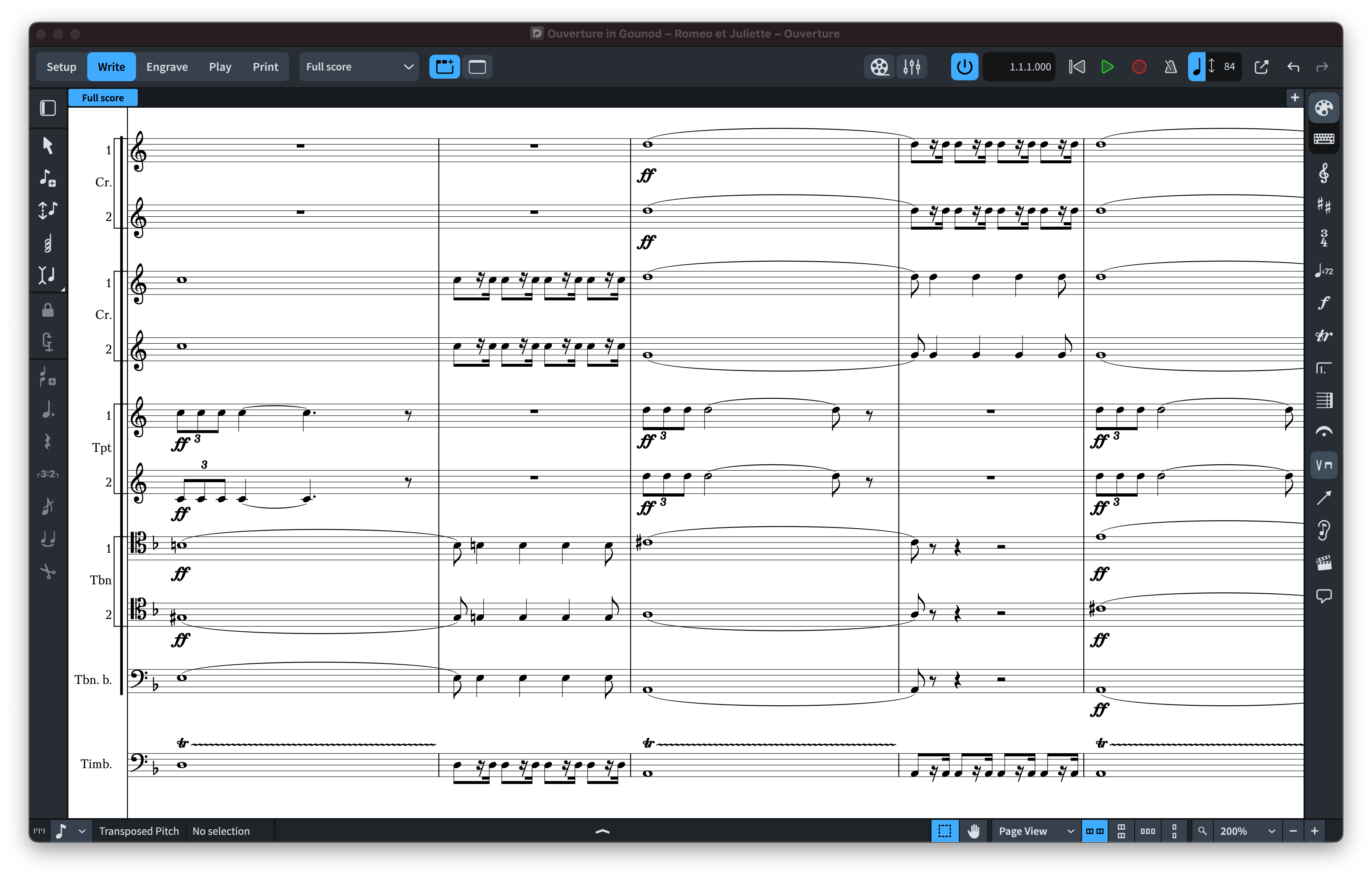
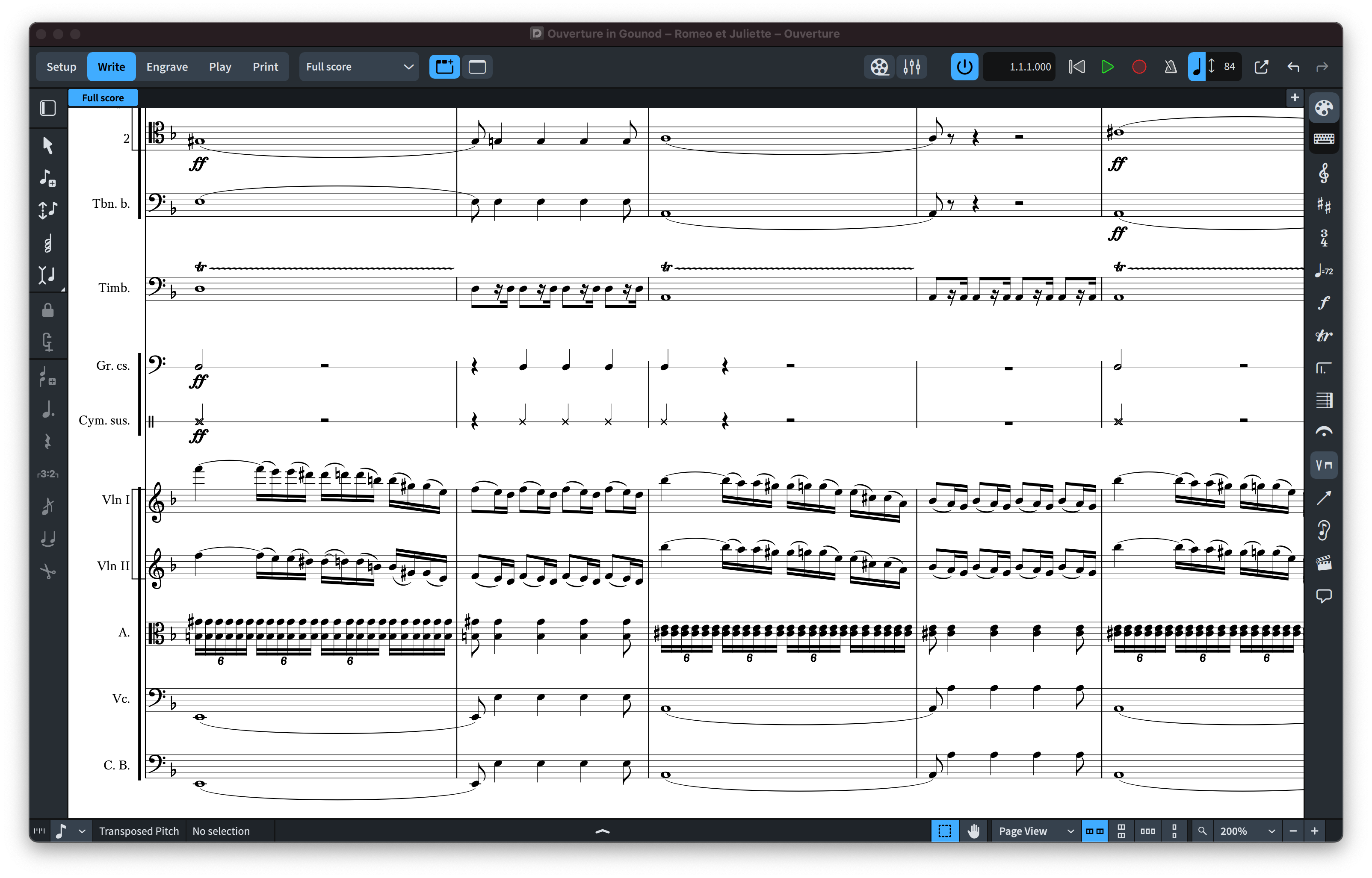
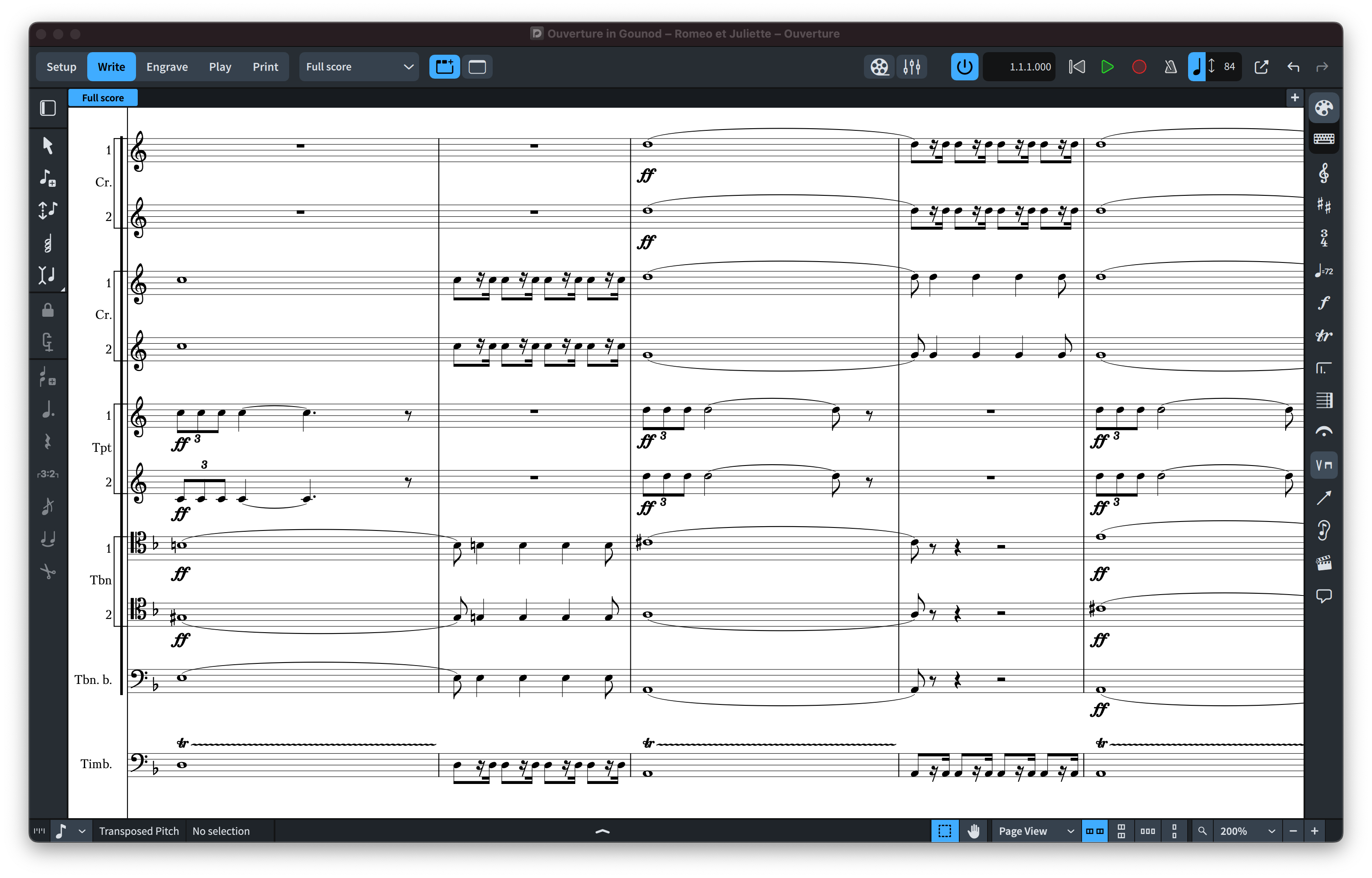
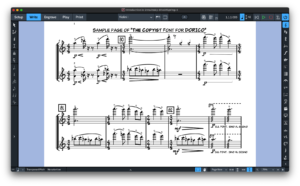
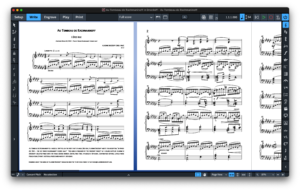
Scherzo fonts are elegant engraver music fonts with a Standard (SCHERZO STD) and a Lighter Appearance (SCHERZO), yet more robust than some other music fonts, but more accurately representing the look of smooth VINTAGE music notation style. Scherzo & Scherzo Std can be used for modern sophisticated Pop or Rock, Jazz Bands, Piano and Vocals, Choirs, Marching Bands, and all types of musical ensembles even Symphonies! Scherzo comes with a unique subtle individuality, but with a softer and fatter look which makes it a great use for school manuals and education materials. Both fonts look fun and easy, and will not scare your students! Scherzo & Scherzo Std work with Finale v27 and Dorico™ Pro version as an alternative to Finale Maestro and Bravura font or any other SMuFL font.
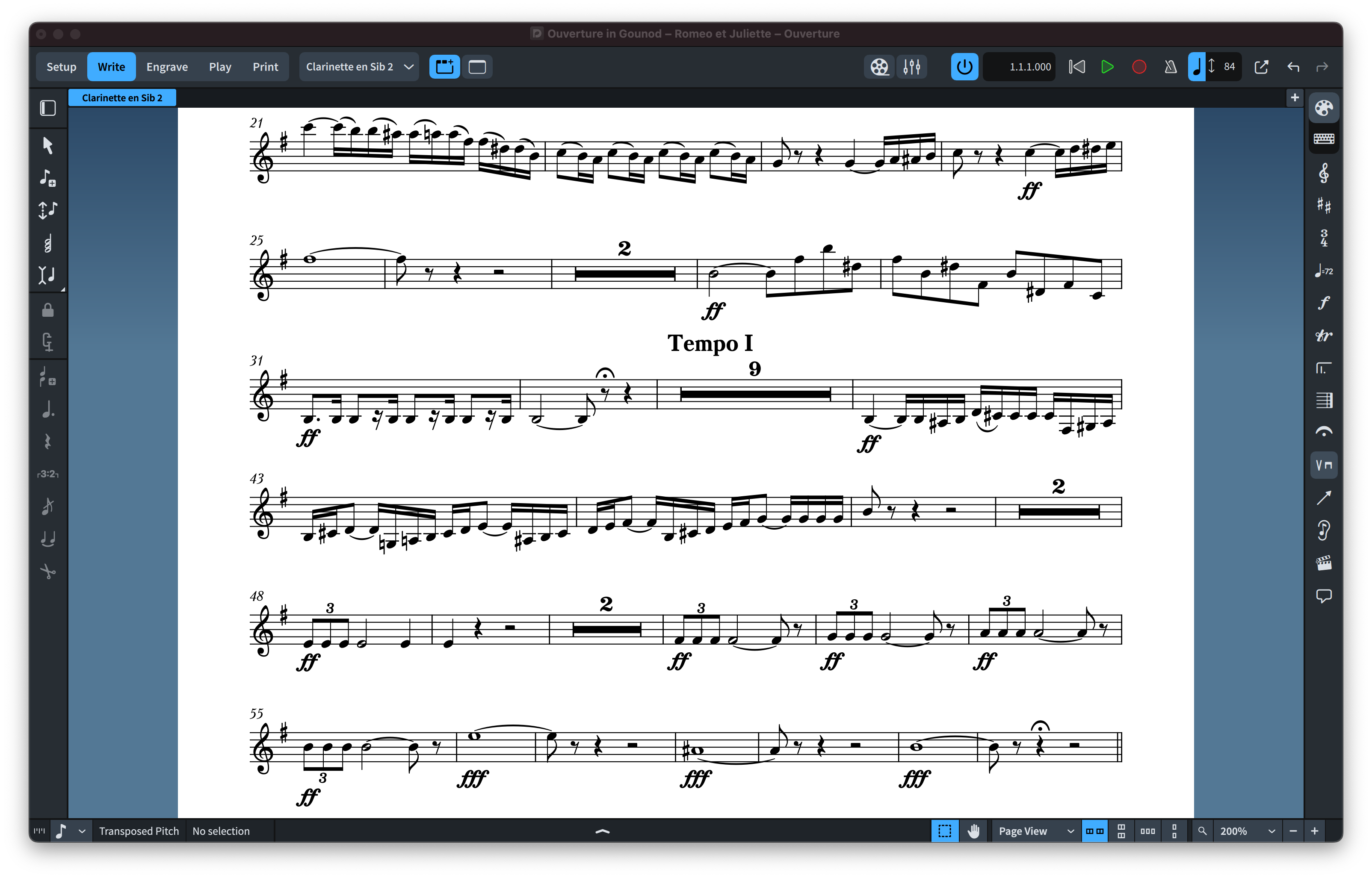
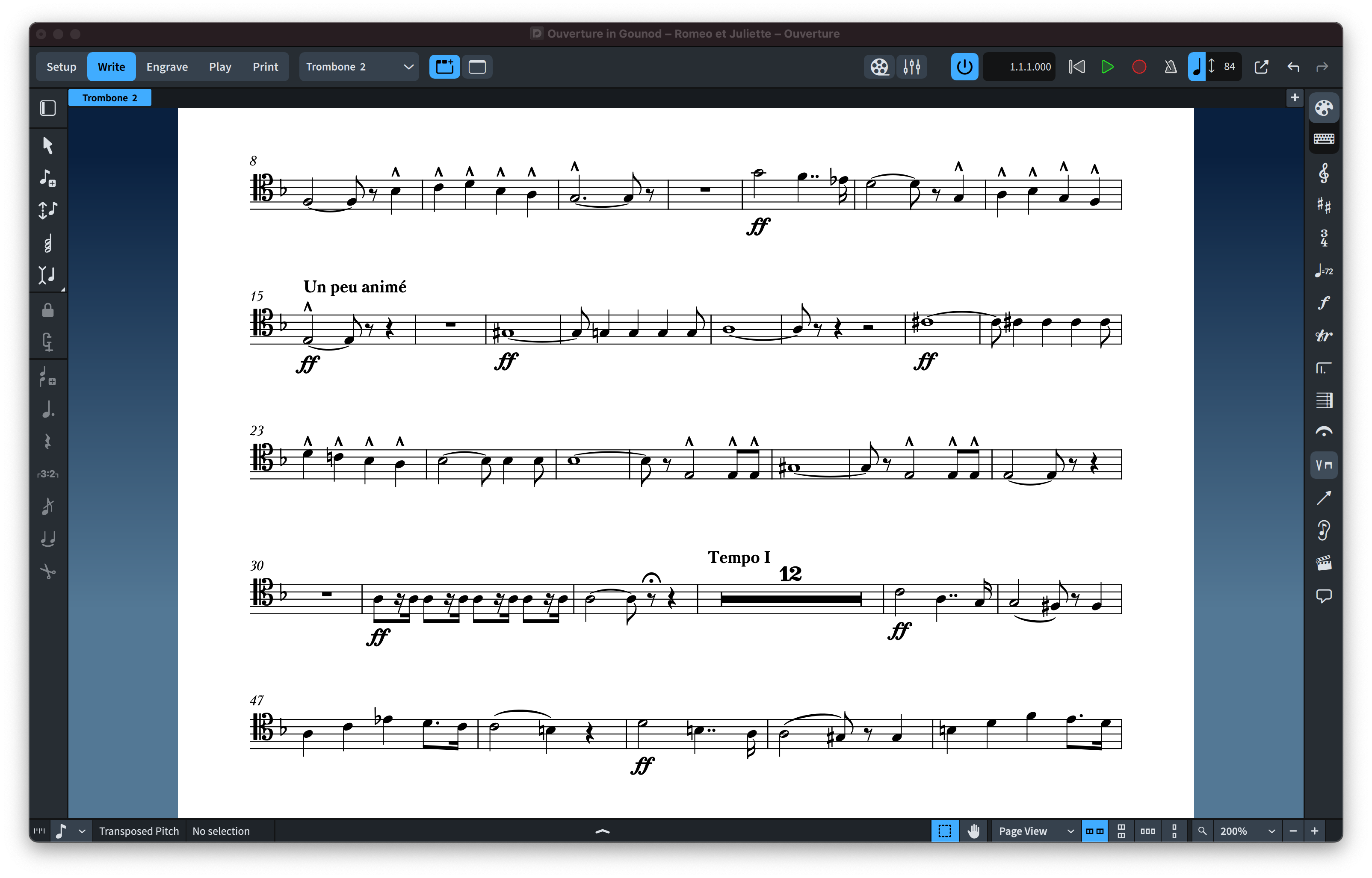
PDF SAMPLES
INSTALLING SCHERZO FONTS
It’s easy to install SCHERZO fonts since both fonts come with 3 installers, 1 installer for macOS and 2 installers for Windows.
Note for macOS users:
During installation, you may encounter a popup stating, “…pkg can’t be opened because Apple cannot verify it for malicious software.” To bypass this message, right-click or control-click on the *.pkg file and select “Open” from the context menu. You’ll be presented with a similar message, but this time, you’ll have the option to ignore the warning by clicking the “Open” button. If the message persists, proceed to System Settings > Privacy and Security > Security. Here, you’ll find an “Open anyway” option for the pkg installer displayed.
APPLYING SCHERZO FONTS IN DORICO™ PRO
When running Dorico, it will find the new metadata files and will make an entry for the fonts in its list of available SMuFL fonts. However, to use the SCHERZO font:
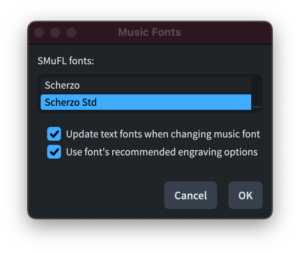
- Open a Dorico score,
- Go to Engrave mode (Ctrl+3 or Cmd+3), click on the Engrave > Music Fonts menu option,
- In the dialog window that appears, click on the name of the font in the list, then click the button “Change Music Font” and select Scherzo or Scherzo Std to apply the font to your open score project
- Again, Engrave > Font Styles… > Font Style to “Default Music Text Font” choose: Bravura Text
- You’d need also to change the character style: Engrave > Character Styles… > set Font to Bravura Text
- You can optionally check or uncheck the box to use the recommended engraving options; click “OK”, and you’ll notice that your score project is taking effect of the changes with the newly selected Scherzo/Scherzo Std font.
Changing the Music Font in Finale v27
Go to Document > Set Default Music Font… select Scherzo or Scherzo Std font and click OK.
IMPORTANT NOTE: Stems connections can be misaligned after converting the default music font to a SMuFL-based font, for more info on how to fix this issue click here.
 Soli & Tutti Fonts for Sibelius
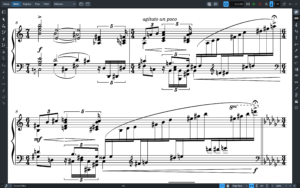
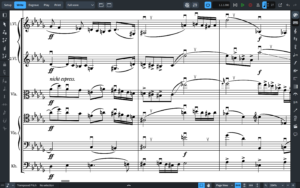
Another triumph for NorFonts! This is perfect for those who want a unique flavor of the formal, engraved look. To my eye, this blends the look of traditional German Urtext fonts and elements of Finale’s Engraver font. Scherzo has an instant professional appeal and produces effortless legibility. Great job, Nordine!